> ## Documentation Index
> Fetch the complete documentation index at: https://cloudinary.com/documentation/llms.txt
> Use this file to discover all available pages before exploring further.
# Android SDK
[changelog-link]: https://github.com/cloudinary/cloudinary_android/blob/master/CHANGELOG.md
The Cloudinary Android SDK provides simple, yet comprehensive image and video upload, transformation, optimization, and delivery capabilities through the [Cloudinary APIs](cloudinary_references#url_and_rest_apis), that you can implement using code that integrates seamlessly with your existing Android application.
> **INFO**: :title=SDK security upgrade, June 2025
We recently released an enhanced security version of this SDK that improves the validation and handling of input parameters. We recommend upgrading to the [latest version][changelog-link] of the SDK to benefit from these security improvements.
## How would you like to learn?
{table:class=no-borders overview}Resource | Description
--|--
[Android quick start](android_quickstart) | Get up and running in five minutes with a walk through of installation, configuration, upload, management and transformations.
[Sample projects](android_sample_projects) | Explore sample projects to see how to implement Cloudinary functionality such as upload and delivery with transformations.
[Cloudinary Android SDK GitHub repo](https://github.com/cloudinary/cloudinary_android) | Explore the source code and see the [CHANGELOG][changelog-link] for details on all new features and fixes from previous versions.
[Video tutorials](tutorial_screencasts) | Watch tutorials relevant to your use cases to learn how to use Cloudinary features.
| Try the free [Introduction to Cloudinary's Android SDK](https://training.cloudinary.com/courses/introduction-to-cloudinarys-android-sdk-35-minute-course) online course, where you can learn how to upload, transform and optimize your assets, explore the native video player and integrate Image Loaders for seamless asset downloading.
Other helpful resources...
This guide focuses on how to set up and implement popular Cloudinary capabilities using the Android SDK, but it doesn't cover every feature or option. Check out these other resources to learn about additional concepts and functionality in general.
{table:class=no-borders overview}Resource | Description
--|--
[Developer kickstart](dev_kickstart) |A hands-on, step-by-step introduction to Cloudinary features.
[Glossary](cloudinary_glossary) | A helpful resource to understand Cloudinary-specific terminology.
[Guides](programmable_media_guides) | In depth guides to help you understand the many, varied capabilities provided by the product.
[References](cloudinary_references) | Comprehensive references for all APIs, including Android code examples.
> **NOTE**: The Android SDK is Java based. If you are using Kotlin to develop your Android app, see the [Kotlin SDK integration guide](kotlin_integration).
## Install
Cloudinary's Android SDK is available in modules. Select the modules to install based on the following table:
Module | Features | Depends on:
---|---|---
**Core** 'com.cloudinary:cloudinary-android-core:[version]' | Transformations, Upload, Client side responsive | Java core: 'com.cloudinary:cloudinary-core:[version]'
**Preprocess** 'com.cloudinary:cloudinary-android-preprocess:[version]' | Image and video upload preprocessing | Core
**Download** 'com.cloudinary:cloudinary-android-download:[version]' | Seamless integrations with 3rd party download libraries. | Core
**UI** 'com.cloudinary:cloudinary-android-ui:[version]' | Native upload widget with preview and preprocess UI | Preprocess
**All** 'com.cloudinary:cloudinary-android:[version]' | All of the above | All of the above (explicitly and implicitly).
The following instructions detail the installation of the Cloudinary Android library. Note that there is no need for any ProGuard configuration. Use one of the following options:
### Gradle installation
Add the module(s) within the **dependencies** section of your `build.gradle` file. For example:
```
// All:
implementation 'com.cloudinary:cloudinary-android:3.1.2'
// Download + Preprocess:
implementation 'com.cloudinary:cloudinary-android-download:3.1.2'
implementation 'com.cloudinary:cloudinary-android-preprocess:3.1.2'
```
> **NOTE**: `3.1.2` is the latest version at the time of publishing these docs. It's recommended to modify that value to the latest released version of the [Cloudinary Android](https://github.com/cloudinary/cloudinary_android) library in the code above.
### Maven installation
Add the module(s) within the **dependencies** tag in your `pom.xml` file. For example
```
// All:
com.cloudinary
cloudinary-android
3.1.2
// Download + Preprocess:
com.cloudinary
cloudinary-android-download
3.1.2
com.cloudinary
cloudinary-android-preprocess
3.1.2
```
### Manual installation
Download the following 2 files and put them in your `libs` folder:
* [cloudinary-android-3.1.2.aar](https://repo1.maven.org/maven2/com/cloudinary/cloudinary-android-core/3.1.2/cloudinary-android-core-3.1.2.aar)
* [cloudinary-core-1.38.0.jar](https://mvnrepository.com/artifact/com.cloudinary/cloudinary-core/1.38.0)
## Configure
To use the Cloudinary Android library you have to configure at least your `cloud_name`. You can additionally define a number of optional [configuration parameters](cloudinary_sdks#configuration_parameters) if relevant. You can find your **Cloud name** in the [Dashboard](https://console.cloudinary.com/app/home/dashboard) of the Cloudinary Console, and you can find all of your credentials, including **API Key** and **API Secret**, on the [API Keys](https://console.cloudinary.com/app/settings/api-keys) page of the Cloudinary Console Settings.
> **NOTES**:
>
> * Most functionality implemented on the client side doesn't require authentication, so only your `cloud_name` is _required_ to be configured, and not your API key or secret. Your API secret should never be exposed on the client side, so if you want to use [signed uploads](upload_images#authenticated_requests) or [generate delivery signatures](delivery_url_signatures), you'll also need server-side code, for which you can use one of our [backend SDKs](cloudinary_sdks#cloudinary_sdks).* For backward compatibility reasons, the default value of the optional `secure` configuration parameter is `false`. However, for most modern applications, it's recommended to configure the `secure` parameter to `true` to ensure that your transformation URLs are always generated as HTTPS.
The entry point of the library is the `MediaManager` object. The `MediaManager.init()` method must be called once per application lifecycle before using the Android library, preferably in `Application.onCreate()`. Setting the configuration parameters can be done either when initializing the library, or by using the `CLOUDINARY_URL` meta-data property in the `AndroidManifest.xml` file.
### Config with init
To set the configuration parameters programmatically while initializing the MediaManager, pass a HashMap with parameters as the second argument of the `init` method. For example:
```android
Map config = new HashMap();
config.put("cloud_name", "myCloudName");
config.put("secure", true);
MediaManager.init(this, config);
```
### Config with meta-data
Alternatively, you can add the `CLOUDINARY_URL` meta-data property to the `AndroidManifest.xml` file, within the `application` tag. For example:
```android
```
When using the meta-data property, no configuration is required when initializing the MediaManager:
```android
MediaManager.init(this);
```
> **NOTE**: By default, URLs generated with this SDK include an appended SDK-usage query parameter. Cloudinary tracks aggregated data from this parameter to improve future SDK versions. We don't collect any individual data. If needed, you can disable the `urlAnalytics` configuration option. [Learn more](cloudinary_sdks#analytics_config).
## Use
Once you've installed and configured the Android SDK, you can use it for:
* **Upload**: Upload images and videos from your mobile application directly to your Cloudinary product environment.
* **Transform and optimize**: Dynamically transform and optimize your media assets on-the-fly using powerful transformations.
* **Deliver**: Generate dynamic URLs for seamless delivery of transformed images and videos.
Capitalization and data type guidelines...
## Capitalization and data type guidelines
When using the Android SDK, keep these guidelines in mind:
* Parameter names: `snake_case`. For example: **public_id**
* Classes: `PascalCase`. For example: **MediaManager**
* Methods: `camelCase`. For example: **upload**
* Pass parameter data as: `Map`
### Quick example: File upload
The following Android code uses an unsigned upload preset to upload the `dog.mp4` video to the specified sub-folder using the public\_id, `my_dog`. When the video upload is complete, the specified notification URL will receive details about the uploaded media asset.
```android
String requestId = MediaManager.get().upload("dog.mp4")
.unsigned("preset1")
.option("resource_type", "video")
.option("asset_folder", "pets/dogs/")
.option("public_id", "my_dog")
.option("notification_url", "https://mysite.example.com/notify_endpoint")
.dispatch();
```
> **Learn more about upload**:
>
> * Read the [Upload guide](upload_images) to learn more about customizing uploads, using upload presets and more.
> * See more examples of [image and video upload](android_image_and_video_upload) using the Cloudinary Android library.
> * Explore the [Upload API reference](image_upload_api_reference) to see all available methods and options.
### Quick example: Transform and optimize
Take a look at the following transformation code and the image it delivers:

```android
MediaManager.get().url().transformation(new Transformation()
.gravity("face").height(150).width(150).crop("thumb").chain()
.radius(20).chain()
.effect("sepia").chain()
.overlay(new Layer().publicId("cloudinary_icon")).chain()
.effect("brightness:90").chain()
.opacity(60).chain()
.width(50).crop("scale").chain()
.flags("layer_apply").gravity("south_east").x(5).y(5).chain()
.angle(10)).generate("front_face.png");
```
This relatively simple code performs all of the following on the original front_face.jpg image before delivering it:
* **Crop** to a 150x150 thumbnail using face-detection gravity to automatically determine the location for the crop
* **Round the corners** with a 20 pixel radius
* Apply a **sepia effect**
* **Overlay the Cloudinary logo** on the southeast corner of the image (with a slight offset). Scale the logo overlay down to a 50 pixel width, with increased brightness and partial transparency (opacity = 60%).
* **Rotate** the resulting image (including the overlay) by 10 degrees
* **Convert** and deliver the image in PNG format (the originally uploaded image was a JPG)
And here's the URL that's automatically generated and included in an image tag from the above code:

In a similar way, you can [transform a video](android_video_manipulation#video_transformation_examples).
> **Learn more about transformations**:
>
> * Read the [Transform and customize assets](image_transformations) guide to learn about the different ways to transform your assets.
> * See more examples of [image](android_image_manipulation) and [video](android_video_manipulation) transformations using the Cloudinary Android library.
> * See all possible transformations in the [Transformation URL API reference](transformation_reference).
## Android SDK features
The Android SDK provides the following key features:
* Build dynamic URLs for delivering [images](android_image_manipulation) and [videos](android_video_manipulation) with on-the-fly transformations
* Implement [direct file upload](android_image_and_video_upload) from your mobile application directly to your Cloudinary product environment
* [Preprocess](android_image_and_video_upload#preprocess_uploads) files before uploading
* Handle asynchronous upload [callbacks](android_image_and_video_upload#callbacks)
* Upload policy [options](android_image_and_video_upload#upload_policy) (upload only on non-metered networks, only when charging, etc.) globally or per upload request
* Automatic [error handling](advanced_url_delivery_options#error_handling) for network disconnections, timeouts, etc.
## Sample projects
Explore sample projects to see how to implement Cloudinary functionality:
* **[Android sample project](https://github.com/cloudinary/cloudinary_android/tree/master/sample)**: Demonstrates a variety of features from the SDK including uploading, image delivery with advanced transformations, widgets and video playback.
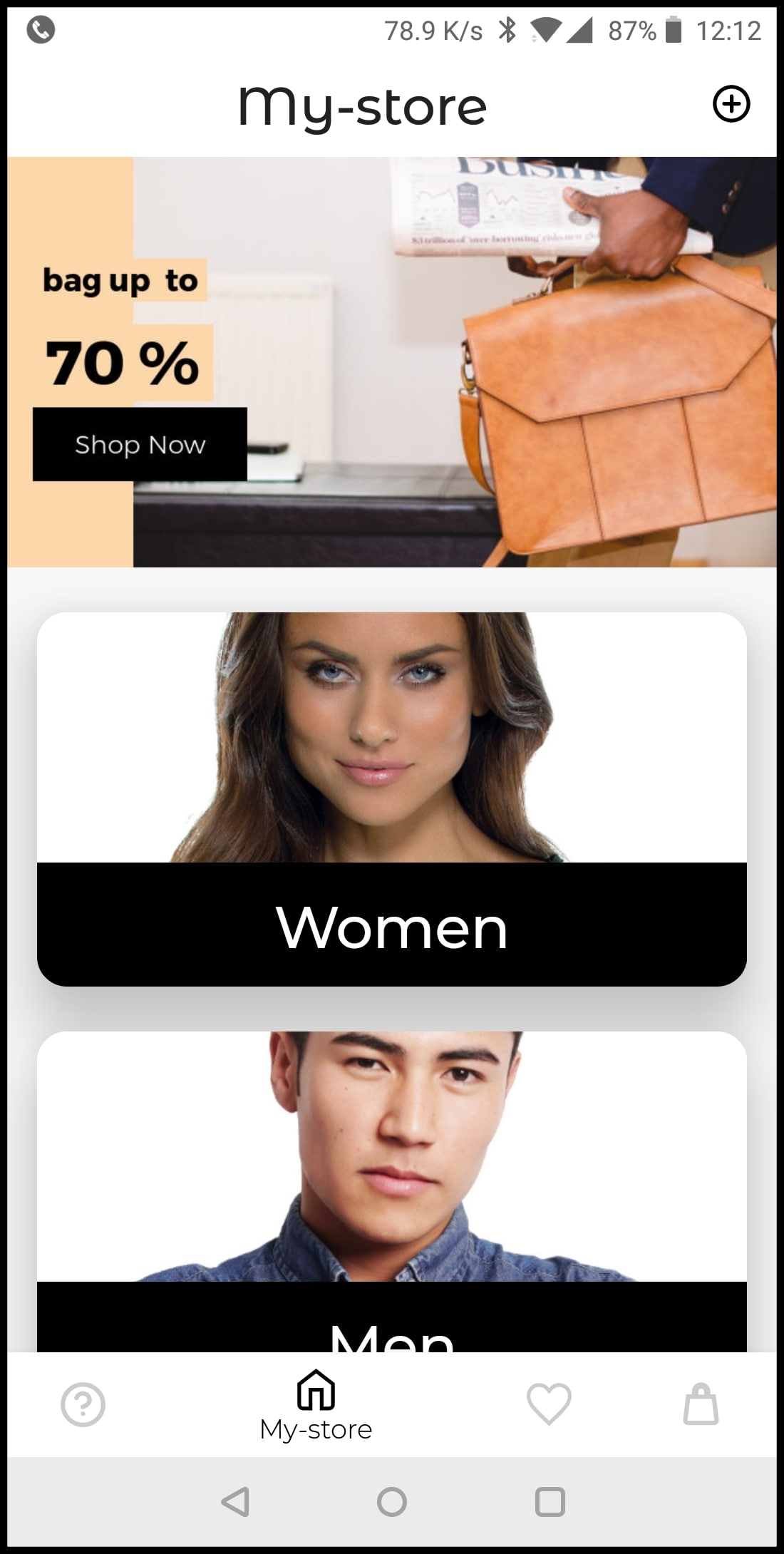
* **[Cloudinary Demo - e-commerce App](https://github.com/cloudinary/android-demo)**: Showcases some of Cloudinary's features, shows how to take advantage of existing open source libraries (e.g., Picasso, Glide, Fresco, Imageloader) and integrates them within a functional app. For more info, see [Introducing the Cloudinary Demo Android App, Part 1](https://cloudinary.com/blog/introducing_the_cloudinary_demo_android_app_part_1).
> **READING**:
>
> * Learn more about [uploading images and videos](android_image_and_video_upload) using the Android SDK.
> * See examples of powerful [image](android_image_manipulation) and [video](android_video_manipulation) transformations using Android code, and see our [image transformations](image_transformations) and [video transformation](video_manipulation_and_delivery) docs.
> * Take a look at our [Kotlin SDK](kotlin_integration) as an alternative for Android development with Cloudinary.
> * Stay tuned for updates by following the [Release Notes](programmable_media_release_notes) and the [Cloudinary Blog](https://cloudinary.com/blog).