Code to Image
Turn a snippet of code into a clean image you can share, free.
Paste up to 120 lines. Tabs become 4 spaces and long lines are cut at the edge of the image.
Code, theme and font changes need Create Image again. Background, padding, corners, shadow, format and scale update the image straight away.
Sign up to use our API in your next project and turn code into an image at scale.
A snippet that looks good outside an editor.
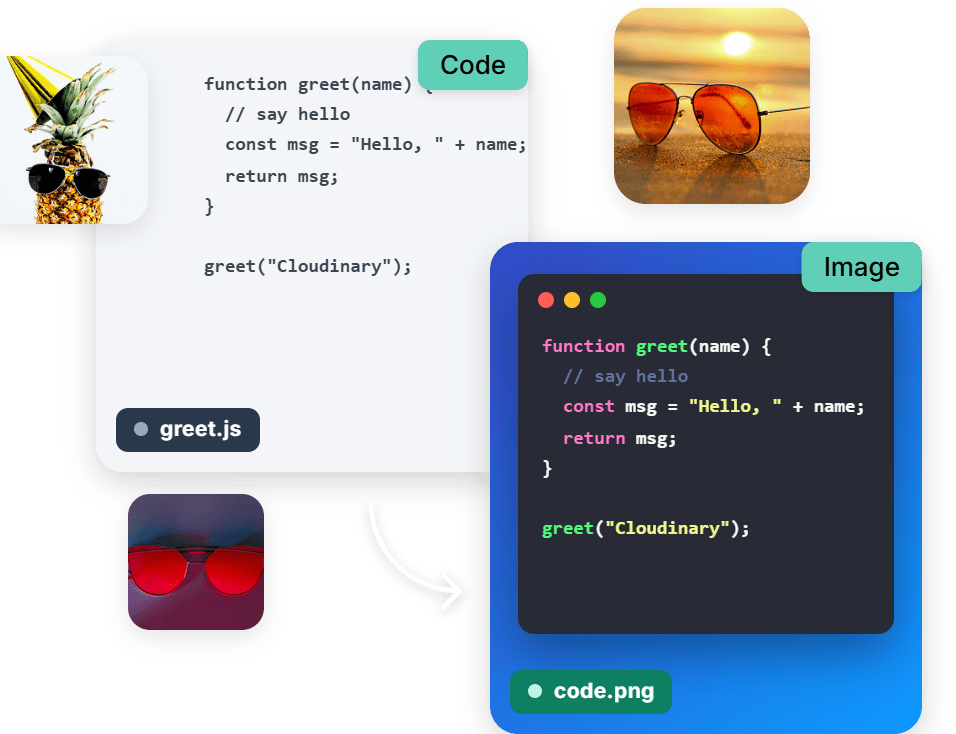
Screenshotting your editor drags in the sidebar, the tabs and whatever else was on screen. Paste the code and get just the code.

Works right in your browser, free, with no software to install and no watermarks.

The snippet is coloured the way an editor would colour it, so it stays readable.

No tabs, no file tree, no notification that arrived mid screenshot.

Cloudinary keeps your output crisp and true to the original.
Process one file or thousands with our free API and turn code into an image automatically, with no manual steps.
Works with all major formats, so your result fits right into your workflow.
Turn your code into an image in 3 simple steps. Paste it, style it, and download.
Drop in the snippet you want to share.
Pick the language, the theme and the background.
Save your result, with no watermarks.
Make images out of text with more free tools: Add Text to Photo, Text to Handwriting, Word Art Generator.
We’re showing a resized version of the original asset to avoid slow loading speeds. View the original.
Because the places you want to share it often cannot render code. Social posts, slides, documentation covers and blog headers all strip formatting, and pasted code arrives as a grey block with the indentation gone. An image keeps the highlighting and the spacing exactly as you set them.
As text whenever the reader might need to copy it, which means in a repo, an issue, a forum answer or documentation. An image cannot be copied, searched or read by a screen reader. Images are for places that are about looking rather than using, like a slide or a social post.
Yes, it is free to use online, with no watermark and nothing to install. Paste the code, pick the styling and download the image. The usual alternative is taking a screenshot of your editor, then cropping out the sidebar, the tab bar and the status line by hand every single time.
PNG. Code is sharp text on a flat background, which is the exact case where JPEG compression leaves fuzzy halos around every letter. PNG keeps the edges crisp, and for a snippet the file size difference does not matter.
Yes. Text rendering is a delivery transformation in the Cloudinary API, so snippets can be turned into images as part of a documentation build or a social card pipeline. That is how a release post gets a matching code card without anyone opening a design tool.