Discord Emoji Maker AI Image Generation


Create a Discord emoji in seconds
Describe the emoji and Cloudinary turns it into a clean, glossy icon in seconds, sized and shaped for a server list that shows it very small. From there it optimizes, resizes, and delivers every version straight from your media library.
- Servers
- Reactions
- Roles
- Packs
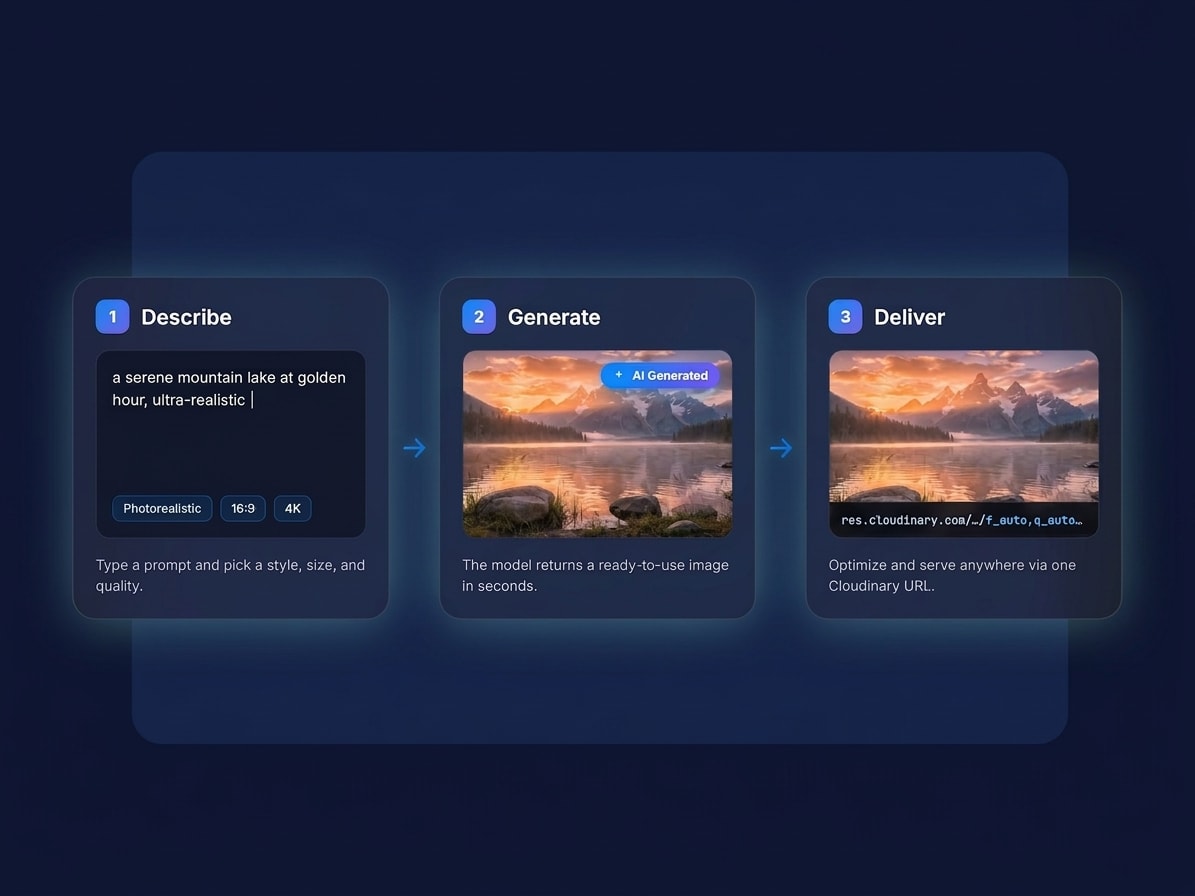
How to make AI-generated images
Go from idea to a delivered asset in three steps, with nothing to install.
- Describe it: write a prompt for the image you want, or drop in a photo to build on.
- Generate: get results in seconds and keep tweaking the prompt until it looks right.
- Optimize and deliver: Cloudinary formats, resizes, and serves the final image anywhere.

Any style, dialed in with a few words
Photoreal, illustrated, 3D, watercolor, line art, neon, retro: steer the look, mood, and composition right from your prompt. Keep one consistent style across a whole set, then generate in the exact aspect ratio and resolution each placement needs.

Generate once, deliver everywhere
The image you generate doesn’t just sit in a folder. It lands in Cloudinary, ready to resize, reformat, and serve through the same pipeline that already powers your site and apps. One asset becomes every crop, format, and size your channels need, delivered fast to every device.
FAQ
It is Cloudinary’s AI image generation tuned for Discord emoji, turning a prompt into a small glossy icon, right in your browser.
It’s a feature of Cloudinary, so every image you generate lands in your media library, ready to transform, optimize, and deliver through the same APIs and SDKs you already use.
Yes. It runs on Cloudinary’s API and SDKs, so you can generate emoji from your own app with a single call and get back an optimized asset URL, with no manual steps.
Discord shows an emoji at 32 pixels in the picker and smaller inline, and it sits on both light and dark themes, so a design needs one bold shape and edges that hold up against either background.
Reaction sets for a server, role icons, inside jokes for a community, and matching art for a Twitch channel.
Generate once, then let Cloudinary deliver every size and format each channel needs, automatically from a single emoji.
Sign up for a free Cloudinary account and describe what you want, or call the API with a prompt. Your first results are ready in seconds inside your media library.