
Tools/Image Clearer

Image Clearer

Use our free Image Clearer tool to improve photo quality fast. Upload your image to reduce blur, sharpen details, and make your picture look clearer in seconds.
 

🖼️ Scaling millions of product images? 💡Automate, optimize, and deliver faster. 👉 Talk to a Media Expert

Upload an Image to Enhance Clarity

Or drag your image here

★★★★★
4.8 (23 reviews)

Looking to make multiple images clearer?

Sign up to use our API in your next project and improve image clarity at scale with AI. Reduce blur, sharpen details, and enhance photo quality across multiple images automatically.

GET FREE API

Free Online Image Clearer Tool

Make your images clearer in seconds right in your browser. No installation needed. Just upload your image and use AI to reduce blur, sharpen details, and improve photo quality.

Why use our Image Clearer tool?

Make your images clearer right in your browser, with no downloads or ads. Developers can also use our API to improve image clarity at scale by reducing blur, sharpening details, and enhancing overall quality.

AI-powered transformations

Go beyond basic edits. With Generative Fill, you can add, remove, or replace elements in your images—giving you more control over how your visuals look.

Image Enhancement

Whether it’s 3D animations, interactive product displays or real time filtering, Cloudinary’s API gives you a lot of image enhancement features. Developers can easily make older images look great again!

Performance Optimization

Automatic optimization guarantees that images are delivered in the highest quality and most suitable format for the user’s device, browser, or connection. Whether it’s JPG, GIF, PNG, HEIC or any other image format the most efficient format is automatically selected for optimal performance.

Batch edit images with Generative Fill

Make changes across multiple photos in seconds—add, remove, or replace elements, or use our API to handle it automatically at scale.

Workflow Automation

Create automated workflows with preset configurations to save time and ensure that files are automatically transformed and ready for delivery right after upload.

Image Formats Versatility

Go beyond GIF with support for cutting-edge formats like WEBP, JXL and AVIF. These advanced formats ensure that your visual assets are delivered with the best combination of quality and efficiency.

How to use the Image Clearer tool

Make your images clearer in 3 simple steps. Reduce blur, sharpen details, and improve photo quality in seconds. Or sign up for Cloudinary to enhance images at scale with our API.

Add your images

Upload or drag and drop your images into the browser

Start clearing up your image

Make your photo clearer instantly with our Image Clearer tool.

Download your edited image

Once you’re done, download your photo with all your changes applied and ready to use.

Go beyond simple photo enhancement

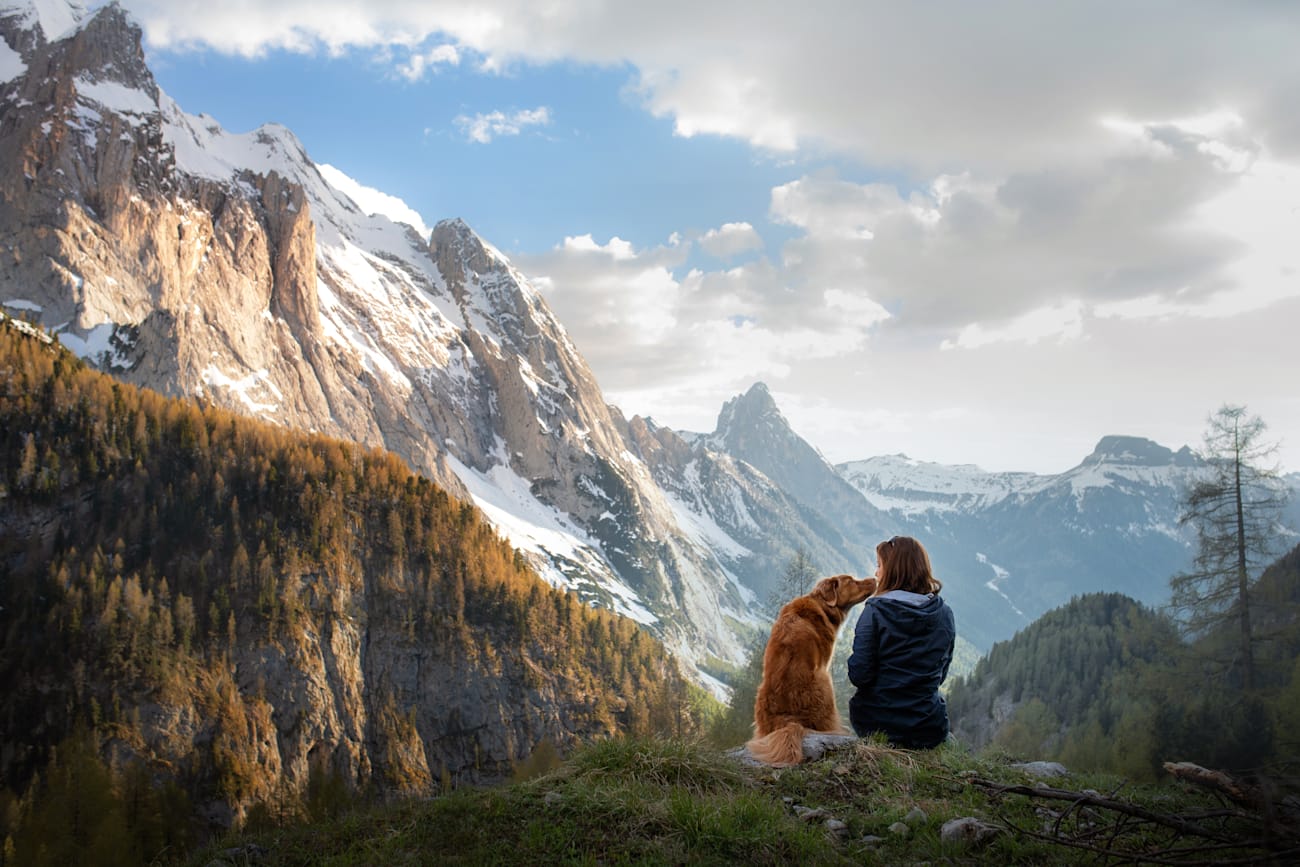
A woman and a golden retriever in the mountains. They're sitting, facing away from the camera while the dog noses the woman. They're surrounded by natural splendor including majestic mountains, puffy clouds, and evergreen-studded hills.
An un-cropped image overlaid with a cropping window showing how it would be cropped by Cloudinary.
An arrow pointing from the original asset to the cropped asset
A woman and a golden retriever in the mountains. They're sitting, facing away from the camera while the dog noses the woman. They're surrounded by natural splendor including majestic mountains, puffy clouds, and evergreen-studded hills.
The same asset cropped using the following settings: Aspect Ratio: 1:2. Crop Mode: Content-Aware.
Images
Videos
Crop Mode
Aspect Ratio
Original
18 MB

We’re showing a resized version of the original asset to avoid slow loading speeds. View the original.

The original asset:
JPEG
135 KB
WebP
135 KB
AVIF
90 KB
JPEG XL
94 KB
The image after being optimized using the following settings: Quality: Auto. Width: 1000px.
Original
18 MB

We’re showing a resized version of the original asset to avoid slow loading speeds. View the original.

The original asset:
JPEG
135 KB
WebP
135 KB
AVIF
90 KB
JPEG XL
94 KB
The image after being optimized using the following settings: Quality: Auto. Width: 1000px.
Images
Videos
Quality
Width
An un-cropped image overlaid with a croppingai window showing how it would be cropped by Cloudinary.
An arrow pointing from the original asset to the cropped asset
The same asset cropped using the following settings: Aspect Ratio: 1:1. Crop Mode: Content-Aware.
Images
Videos
Crop Mode
Aspect Ratio
The original image:
An arrow pointing from the original asset to the transformed asset.
The personalized image:
The original image:
The personalized image:
Product Photos
Backgrounds
Overlays
Duration
Full length video: Surfing Trip
An arrow pointing from the original video to the AI-generated preview.
Duration
A shorter video preview generated by Cloudinary's AI using the following settings: Duration: 15 seconds. Max Clips: 9. Min Clip Length: 1 second.
Videos
Duration
Max Clips
Min Clip Length

Frequent Asked Questions:

An Image Clearer is a tool that improves the clarity of your photos. It can help reduce blur, sharpen details, and enhance overall image quality so your pictures look cleaner and more defined.

The Image Clearer uses AI to enhance your image automatically. After you upload a photo, it analyzes the image and improves sharpness, reduces blur, and brings out clearer details in just a few clicks.

Yes, you can use our Image Clearer tool for free online. Just upload your image in your browser and start improving photo clarity with no installation required.

Yes. Developers can use Cloudinary’s API to enhance image clarity at scale. This makes it easy to sharpen images, reduce blur, and improve photo quality across large image libraries or automated workflows.

You can use an Image Clearer to make blurry images look sharper, improve photo quality, enhance visual details, and create clearer images for websites, social media, e-commerce, and more.