Tools / Resize Image in MM

Resize Image in MM

Resize any image to an exact size in millimetres, free.

🖼️ Scaling millions of product images? 💡Automate, optimize, and deliver faster. 👉 Talk to a Media Expert

Resize Image in MM

Or drag your image here

Accepts JPG, PNG, WEBP, TIFF, HEIC, AVIF. Up to 10 files at once.

★★★★★
4.9 (23 reviews)

Looking to resize an image in millimetres at scale?

Sign up to use our API in your next project and resize an image in millimetres at scale.

Free Online Resize Image in MM

Work in millimetres when the output is a print, a label, or a document.

Why use our Resize Image in MM tool?

A4, business cards, and labels are all specified in millimetres. Enter the size you need, pick a DPI, and the tool does the maths, free.

Built for the browser

Works right in your browser, free, with no software to install and no watermarks.

Millimetres, not pixels

Type 210 by 297 and get an image at A4 size.

DPI you choose

300 DPI for print, 150 for a draft, 72 for the screen. The pixel size follows from it.

Quality preserved

Cloudinary keeps your output crisp and true to the original.

Do it at scale

Process one file or thousands with our free API and resize an image in millimetres automatically, with no manual steps.

Format versatility

Works with all major formats, so your result fits right into your workflow.

How to resize an image in millimetres in 3 steps

Resize in 3 simple steps. Upload your image, enter the size in millimetres, and download.

Upload your image

Drag and drop your image into the browser, or upload it from your device.

Enter your size in mm

Set the width and height in millimetres and pick a DPI.

Download

Save your result, with no watermarks.

Go beyond millimetres

Resize and prepare your images with more free tools: Resize Image, Check Image DPI, Bulk Image Resizer.

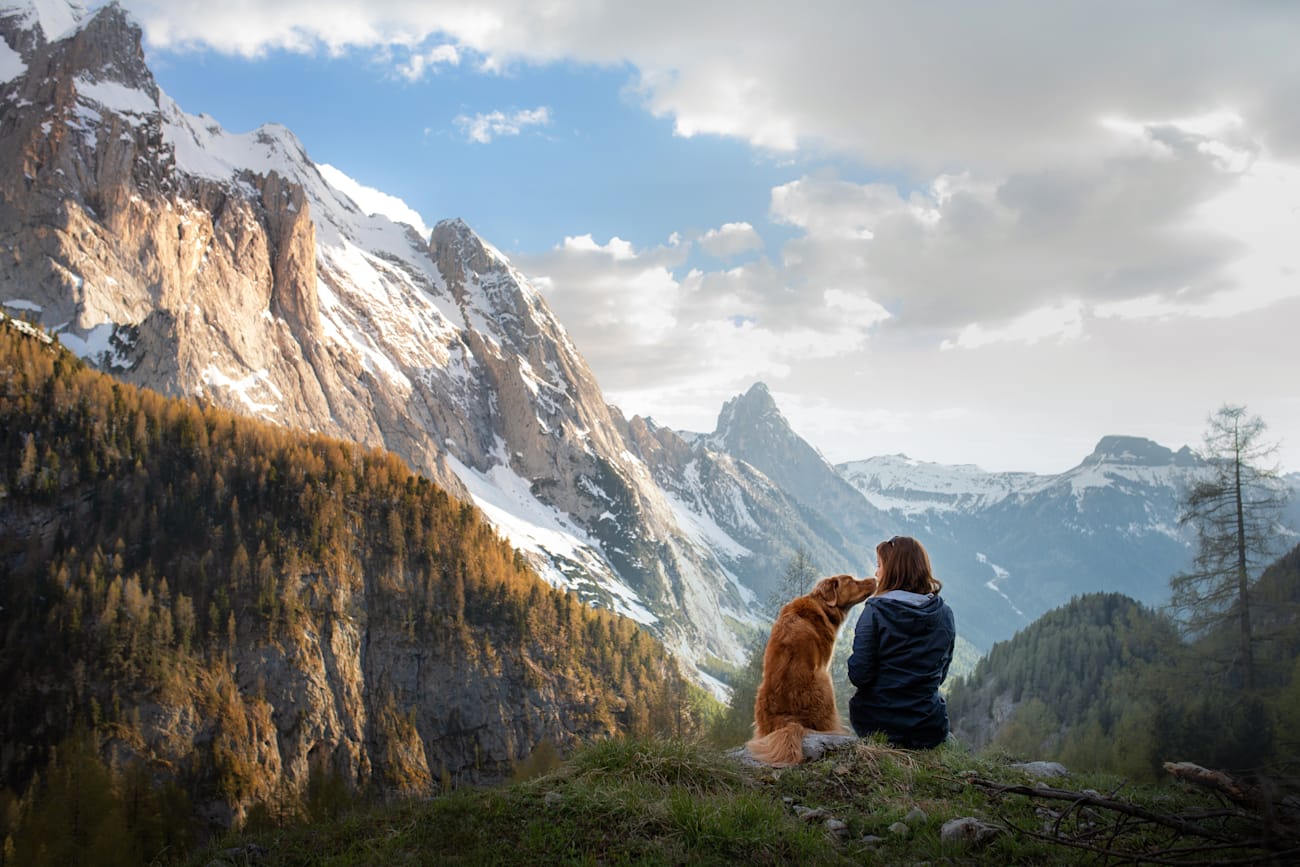
A woman and a golden retriever in the mountains. They're sitting, facing away from the camera while the dog noses the woman. They're surrounded by natural splendor including majestic mountains, puffy clouds, and evergreen-studded hills.
An un-cropped image overlaid with a cropping window showing how it would be cropped by Cloudinary.
An arrow pointing from the original asset to the cropped asset
A woman and a golden retriever in the mountains. They're sitting, facing away from the camera while the dog noses the woman. They're surrounded by natural splendor including majestic mountains, puffy clouds, and evergreen-studded hills.
The same asset cropped using the following settings: Aspect Ratio: 1:2. Crop Mode: Content-Aware.
Images
Videos
Crop Mode
Aspect Ratio
Original
18 MB

We’re showing a resized version of the original asset to avoid slow loading speeds. View the original.

The original asset:
JPEG
135 KB
WebP
135 KB
AVIF
90 KB
JPEG XL
94 KB
The image after being optimized using the following settings: Quality: Auto. Width: 1000px.
Original
18 MB

We’re showing a resized version of the original asset to avoid slow loading speeds. View the original.

The original asset:
JPEG
135 KB
WebP
135 KB
AVIF
90 KB
JPEG XL
94 KB
The image after being optimized using the following settings: Quality: Auto. Width: 1000px.
Images
Videos
Quality
Width
An un-cropped image overlaid with a croppingai window showing how it would be cropped by Cloudinary.
An arrow pointing from the original asset to the cropped asset
The same asset cropped using the following settings: Aspect Ratio: 1:1. Crop Mode: Content-Aware.
Images
Videos
Crop Mode
Aspect Ratio
The original image:
An arrow pointing from the original asset to the transformed asset.
The personalized image:
The original image:
The personalized image:
Product Photos
Backgrounds
Overlays
Duration
Full length video: Surfing Trip
An arrow pointing from the original video to the AI-generated preview.
Duration
A shorter video preview generated by Cloudinary's AI using the following settings: Duration: 15 seconds. Max Clips: 9. Min Clip Length: 1 second.
Videos
Duration
Max Clips
Min Clip Length

Frequently Asked Questions

It resizes an image to an exact physical size in millimetres, right in your browser, with no software to install.

Divide by 25.4 to get inches, then multiply by DPI. A4 at 210 by 297 mm and 300 DPI works out at 2480 by 3508 pixels.

Yes, it’s free to use online. Just upload your image, enter the size, and download.

300 DPI is the usual answer for print, 150 is fine for a draft or an internal document, and 72 is plenty for the screen.

Yes. Developers can convert millimetres to pixels at the DPI they need and pass it to the Cloudinary API, so a batch of files comes out at the right size.

Get Free API Get Free API