
Tools/Resize Image to 250kb

Resize Image to 250KB

Easily resize images to 250KB without compromising clarity. Ideal for faster loading on mobile or low-bandwidth environments. For businesses and dev teams, Cloudinary’s automated workflows make it simple to resize images in bulk.
🖼️ Scaling millions of product images? 💡Automate, optimize, and deliver faster. 👉 Talk to a Media Expert

Upload an Image to Transform

Or drag your images here

Looking to resize images in bulk?

Sign up to use our free API in your next project and automatically resize images at scale

GET FREE API

Resize Images to 250KB for Free

Resize your image into a tidy 250KB image, no downloads or installs necessary. Just upload your file and receive a small, performance-optimized result in seconds.

Why Choose to Resize Image to 250KB?

Quickly resize your image to 250KB directly in the browser — safe, private, and ad-free, while developers can rely on our API for bulk optimization.

Beyond Image Resizing

Go further than reducing file size. With AI-powered tools like Generative Fill, Object Removal, and Replace, you can seamlessly edit and customize images — unlocking new levels of creativity and flexibility in content creation.

Image Enhancement

From 3D animations and interactive product displays to real-time filtering, Cloudinary’s API offers powerful image enhancement capabilities. Developers can effortlessly refresh older images and make them look stunning again.

Performance Optimization

Images are always delivered in the best quality and format for each user’s device, browser, and connection. Whether it’s JPG, PNG, HEIC, or another format, our system automatically selects the most efficient option for peak performance.

Batch resize images

Effortlessly resize your images to 250KB in bulk, or connect our free API to auto-optimize every JPG without any extra work!

Workflow Automation

Set up preset configurations to save time and streamline your process. Files are automatically compressed, transformed, and ready for delivery immediately after upload.

Image Formats Versatility

Expand your image workflow with support for next-gen formats like WebP, JXL, and AVIF. These advanced options deliver the perfect balance of quality and efficiency for all your visual assets.

How to Resize Images to 250KB

Quickly resize your images to 250KB with reliable, high-quality results. Or join Cloudinary to seamlessly optimize thousands of images at scale.

Add your Images

Drag and drop your Images right into the browser, or upload them instantly with ease.

Start Resizing

Begin refining your images by resizing them into smaller, lighter file sizes.

Download resized images

When the resizing is finished, download your resized images each under 250KB

Explore Beyond Image Resizing

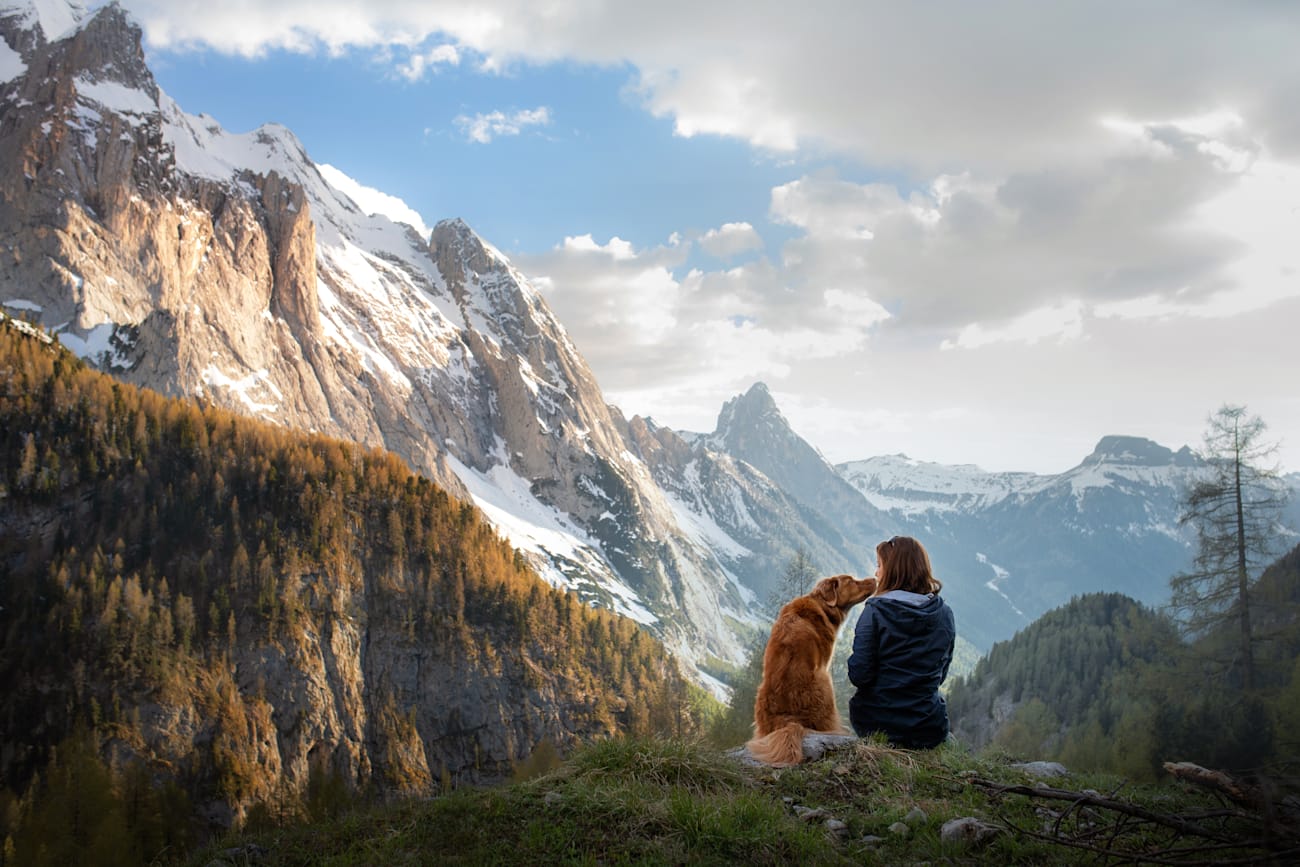
A woman and a golden retriever in the mountains. They're sitting, facing away from the camera while the dog noses the woman. They're surrounded by natural splendor including majestic mountains, puffy clouds, and evergreen-studded hills.
An un-cropped image overlaid with a cropping window showing how it would be cropped by Cloudinary.
An arrow pointing from the original asset to the cropped asset
A woman and a golden retriever in the mountains. They're sitting, facing away from the camera while the dog noses the woman. They're surrounded by natural splendor including majestic mountains, puffy clouds, and evergreen-studded hills.
The same asset cropped using the following settings: Aspect Ratio: 1:2. Crop Mode: Content-Aware.
Images
Videos
Crop Mode
Aspect Ratio
Original
18 MB

We’re showing a resized version of the original asset to avoid slow loading speeds. View the original.

The original asset:
JPEG
135 KB
WebP
135 KB
AVIF
90 KB
JPEG XL
94 KB
The image after being optimized using the following settings: Quality: Auto. Width: 1000px.
Original
18 MB

We’re showing a resized version of the original asset to avoid slow loading speeds. View the original.

The original asset:
JPEG
135 KB
WebP
135 KB
AVIF
90 KB
JPEG XL
94 KB
The image after being optimized using the following settings: Quality: Auto. Width: 1000px.
Images
Videos
Quality
Width
An un-cropped image overlaid with a croppingai window showing how it would be cropped by Cloudinary.
An arrow pointing from the original asset to the cropped asset
The same asset cropped using the following settings: Aspect Ratio: 1:1. Crop Mode: Content-Aware.
Images
Videos
Crop Mode
Aspect Ratio
The original image:
An arrow pointing from the original asset to the transformed asset.
The personalized image:
The original image:
The personalized image:
Product Photos
Backgrounds
Overlays
Duration
Full length video: Surfing Trip
An arrow pointing from the original video to the AI-generated preview.
Duration
A shorter video preview generated by Cloudinary's AI using the following settings: Duration: 15 seconds. Max Clips: 9. Min Clip Length: 1 second.
Videos
Duration
Max Clips
Min Clip Length

Frequently Asked Questions

Get Answers to Your Questions About Our Chat Software and Features

Cloudinary’s Image resize to 250KB tool adjusts JPG, PNG, HEIC, and other image types so they meet a 250KB file-size target while preserving visual quality. Simply upload or drag in your file and the system processes it automatically. Using f_auto and q_auto, Cloudinary selects the most efficient format and quality level to hit the 250KB size limit. Perfect for websites, apps, or any workflow that requires lightweight images for faster performance and smoother user experiences.

Yes. Cloudinary’s API allows you to automate Image resize to 250KB workflows at scale. You can upload multiple images through the API and apply transformations such as q_auto, f_auto, and fl_lossy to consistently bring files down to the 250KB target. These parameters can be bundled into an upload preset to enforce size rules automatically—ideal for handling large volumes of user-uploaded images or running bulk optimization jobs without manual intervention.

To achieve a 250KB output, Cloudinary uses perceptual, visually lossless optimization that adjusts compression based on the image’s actual content. Important details—edges, contrast, and key textures—are preserved, while redundant data is reduced, resulting in little to no visible difference at standard viewing sizes. Fully lossless files may exceed 250KB; if you require pixel-perfect accuracy, formats like PNG or lossless AVIF/WebP will naturally produce larger outputs. For most photos, graphics, and marketing assets, perceptual optimization delivers a much smaller file with clean, natural visual quality. If you notice any artifacts, you can increase the quality setting slightly or reduce dimensions to stay close to the 250KB target while maintaining a crisp appearance.