Rotate Image
Cloudinary’s bulk image tools let you rotate image files by 90°, 180°, or 270° across large sets of assets while preserving visual integrity.
Cloudinary’s bulk image tools let you rotate image files by 90°, 180°, or 270° across large sets of assets while preserving visual integrity.
Or drag your image here
Sign up to use our free API in your next project and automatically rotate image files at scale.
Rotate image files online in a few clicks. Upload your images and apply 90°, 180°, or 270° rotations directly in the browser—no downloads or plugins required.
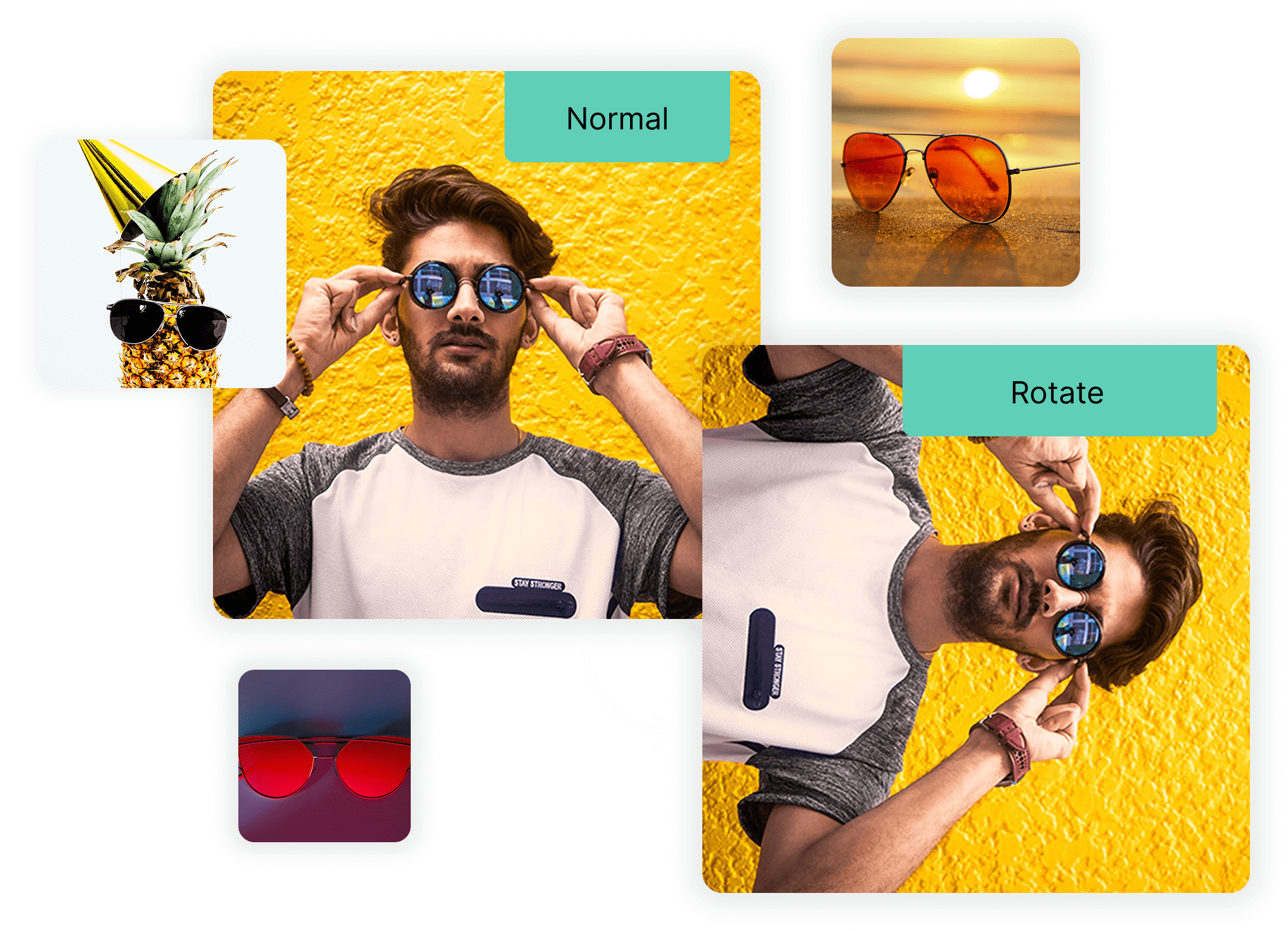
Rotate image assets securely and without ads using Cloudinary’s bulk tools, or integrate the API to apply consistent rotation rules across all your applications and media workflows.

Rotation is one part of a broader image pipeline. With Cloudinary’s API-driven image tools, you can rotate image content, apply additional transformations, and manage delivery programmatically across large asset collections.

From 3D animations and interactive product displays to real-time filtering, Cloudinary’s API offers powerful image enhancement capabilities. Developers can refresh older images and make them look stunning again.

After you rotate image assets, Cloudinary delivers them in the most appropriate format for each device and browser. Automatic format selection helps maintain performance and image quality after rotation.

Rotate image files in bulk within seconds, or use the Cloudinary API to automate image rotation across your entire workflow.
Set up preset configurations to save time and streamline your process. Files are automatically resized, transformed, and ready for delivery immediately after upload.
Expand your image workflow with support for next-gen formats like WebP, JXL, and AVIF. These advanced options deliver the perfect balance of quality and efficiency for all your visual assets.
Rotate image assets securely and without ads using Cloudinary’s bulk tools, or integrate the API to apply consistent rotation rules across all your applications and media workflows.
Drag and drop your images into the browser, or simply upload them in seconds.
Enhance your workflow when you rotate image assets with support for modern formats like WebP, JXL, and AVIF delivering an ideal balance of visual quality, performance, and efficiency for circular images.
Once the transformation is complete, download your optimized images, each efficiently reduced in size while maintaining quality.
We’re showing a resized version of the original asset to avoid slow loading speeds. View the original.
With Cloudinary, you can rotate image files directly in the browser or through the API. Upload your images, apply the desired rotation angle, and Cloudinary handles processing and optimization automatically.
Yes. Cloudinary’s API allows you to automate rotate image transformations by defining rotation angles and applying them during upload or delivery.
Rotating images does not reduce quality when handled correctly. Cloudinary applies rotation without recompression when possible, preserving visual accuracy and detail.
Yes. Cloudinary supports batch rotate image processing through the web interface and API automation, making it suitable for large image libraries and bulk uploads.
Cloudinary supports JPG, PNG, WebP, AVIF, HEIC, and JPEG XL when you rotate image assets, with automatic format optimization for delivery.