Video Volume Booster
Turn up a video that was recorded too quietly, free.
Turn up a video that was recorded too quietly, free.
Or drag your clip here

Sign up to use our API in your next project and boost the volume of a video at scale.
A quiet recording, loud enough to hear.
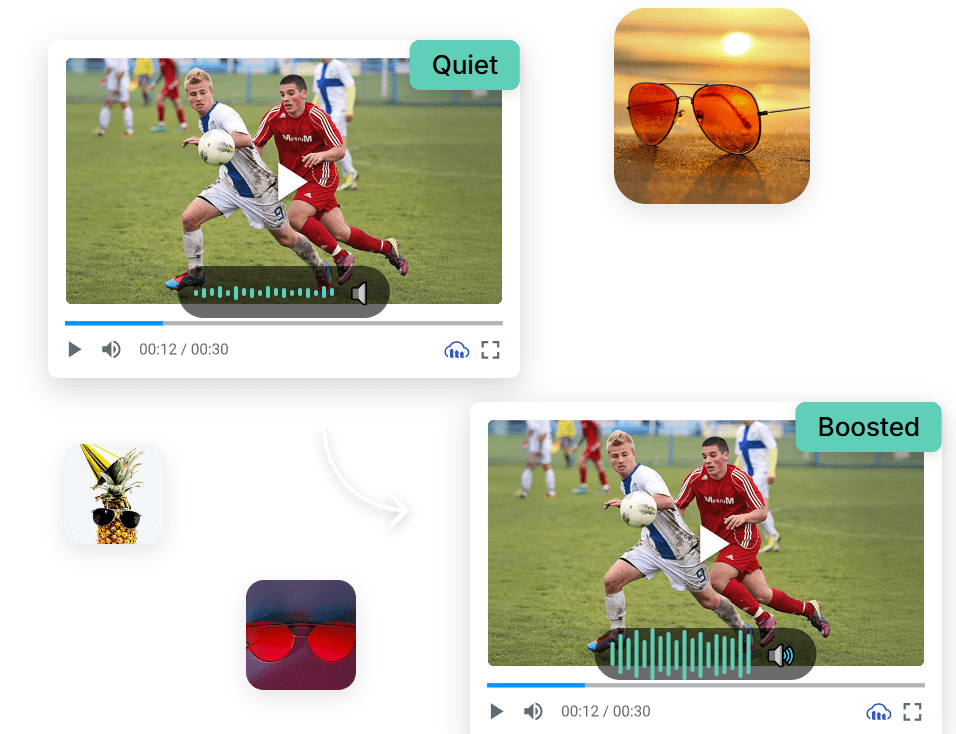
Re recording is not an option and most editors bury the gain control. Upload the clip, push the volume up, and download.

Works right in your browser, free, with no software to install and no watermarks.

The louder audio is baked into the file, so it stays loud wherever you send it.

Nudge it up slightly or double it, depending on how quiet the recording was.

Cloudinary keeps your output crisp and true to the original.
Process one file or thousands with our free API and boost the volume of a video automatically, with no manual steps.
Works with all major formats, so your result fits right into your workflow.
Boost the volume of your video in 3 simple steps. Upload it, set the level, and download.
Drag and drop your video into the browser, or upload it from your device.
Choose how much louder you want the audio.
Save your result, with no watermarks.
Work on the sound in your footage with more free tools: Audio Volume Adjuster, Remove Audio from Video, Video to Audio.
We’re showing a resized version of the original asset to avoid slow loading speeds. View the original.
It increases the audio level inside your video file, so the clip itself is louder rather than relying on whoever watches it to turn their device up. That matters because viewers usually will not bother: a video that is too quiet on the first second of playback gets skipped rather than adjusted.
Raising the level raises everything, including hiss, room noise and traffic in the background, because gain does not know the difference between your voice and the air conditioning. Push it far enough and the loudest peaks clip and distort. Boost in steps and listen to the result rather than jumping straight to the maximum.
Yes, it is free to use online, with no watermark and nothing to install. Upload the video, set the level and download the louder version. The usual route is a full video editor or a separate audio tool, which means two exports and a round trip just to fix a recording that came out quiet.
Usually the microphone was too far from the source, or the camera set its own levels conservatively to avoid clipping, which is the safer error for it to make. Phones recording in a large room are the classic case. Boosting afterwards recovers what was captured, but it cannot invent detail that never reached the microphone.
Yes. Volume is a delivery transformation in the Cloudinary API, so clips arriving from users at wildly different levels can be normalised on the way out instead of file by file. Any platform taking video uploads deals with this, since consumer recordings arrive at every level imaginable.