Trim Whitespace from Image
Cut the empty space around an image down to the edge of the artwork, free.
Cut the empty space around an image down to the edge of the artwork, free.
Or drag your image here


Sign up to use our API in your next project and trim whitespace from an image at scale.
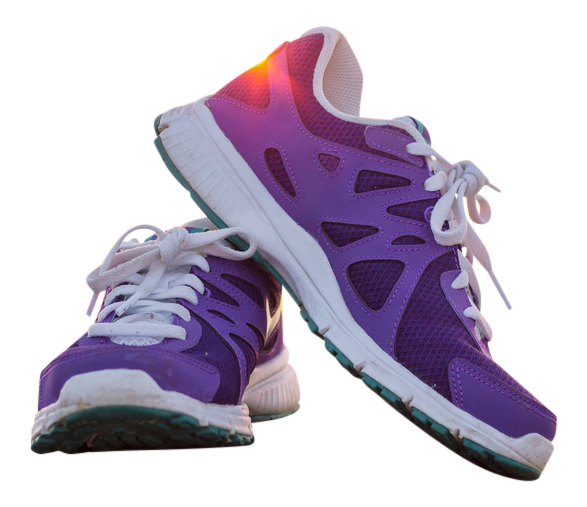
The blank border gone, the artwork untouched.
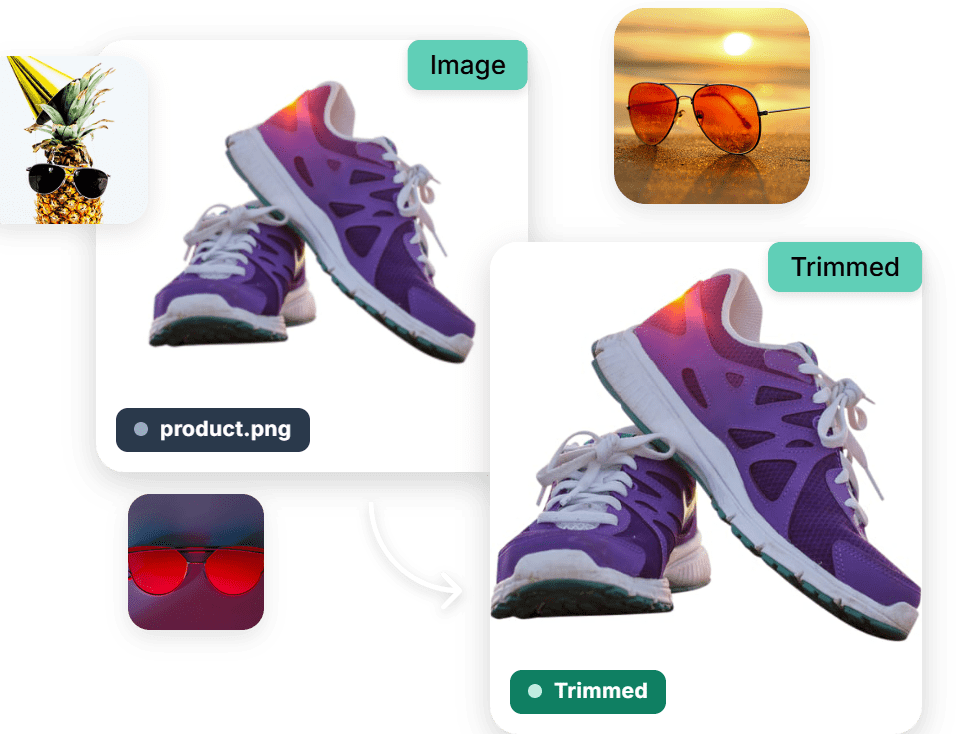
Cropping dead space by hand means dragging a selection and guessing where the artwork really ends. Here the empty border is detected and cut for you.

Works right in your browser, free, with no software to install and no watermarks.

The uniform border around your artwork is detected automatically, so the crop lands exactly on the content.

Trims a white background and an empty alpha channel alike, which covers almost every export you will meet.

Cloudinary keeps your output crisp and true to the original.
Process one file or thousands with our free API and trim whitespace from an image automatically, with no manual steps.
Works with all major formats, so your result fits right into your workflow.
Trim whitespace from your image in 3 simple steps. Upload it, trim, and download.
Drag and drop your image into the browser, or upload it from your device.
The blank border is detected and cropped away.
Save your result, with no watermarks.
Crop and frame your images with more free tools: Crop Image, Freehand Crop, Add Border to Image.
We’re showing a resized version of the original asset to avoid slow loading speeds. View the original.
It detects the uniform border around the content of your image, usually white or transparent, and crops the picture back to where the artwork actually starts. Logos, scans, screenshots and exported charts almost always carry that dead margin, and it is what makes an image look badly aligned once you place it in a layout.
Nearly always because of baked in whitespace. The file is bigger than the mark inside it, so when you size it against other elements you are sizing the empty space too. Trimming the margin lets the logo fill the box you give it, and gives you one consistent starting point for every placement.
Yes, it is free to use online, the result carries no watermark and there is nothing to install. Upload the image and download the trimmed version. The manual route means zooming in, dragging a crop box and nudging each edge until nothing is left, which is both slow and inexact when the margin is only a few pixels wide.
The same image at a smaller canvas size, cropped to the edge of the content, with nothing resampled or re-rendered. Save as PNG when the background was transparent and you want it to stay that way. A JPEG has no alpha channel, so the trimmed edge would come back sitting on flat white.
Yes. Trimming is a delivery transformation in the Cloudinary API, so logos and artwork arriving from suppliers or users can be normalised as they are served, with no pre processing step. That is how asset libraries stay tidy at volume, since one inconsistent margin in a product grid is visible immediately.