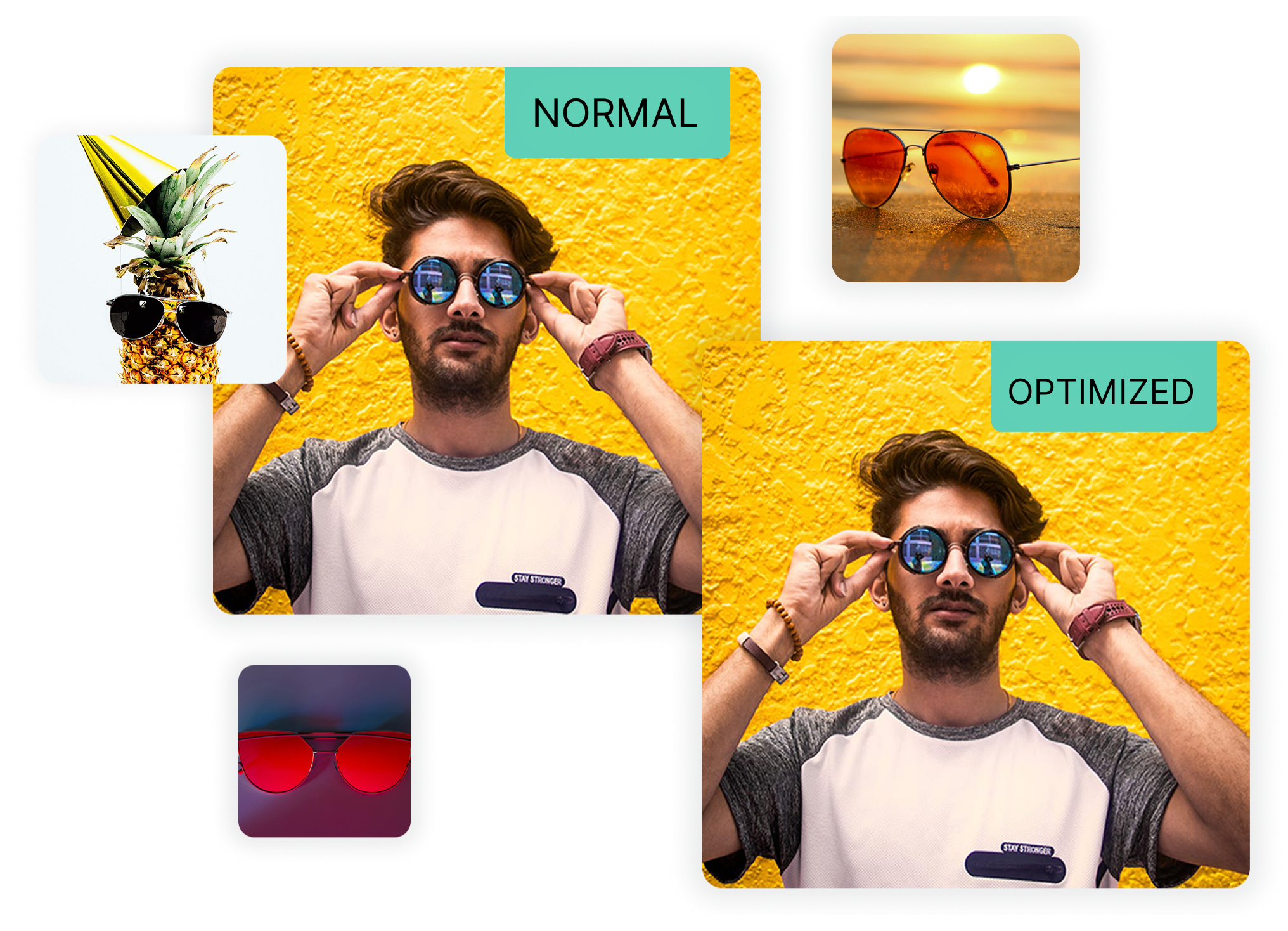





In 2026, image optimization is evolving with smarter, more automated, and perceptually aware approaches that go beyond traditional compression and resizing. One major trend is AI-powered optimization: machine learning models now analyze image content to apply context-aware compression and semantic quality preservation, reducing file sizes dramatically while keeping visual detail where it matters most. These models can adapt compression levels based on image characteristics, often outperforming classical algorithms at low bitrates and delivering more efficient image optimization workflows.
Another big shift is the wider adoption of next-generation formats and delivery techniques. Formats like AVIF and JPEG XL (and upcoming improvements like WebP2) deliver far better compression and quality than legacy JPEG/PNG, and automatic format negotiation based on device/browser support helps serve optimal images to each user. At the same time, edge-based optimization via CDNs and browser-native capabilities (like client hints, lazy loading, and adaptive decoding) allow images to be transformed on-the-fly based on screen size, network speed, and context, making image optimization more dynamic, efficient, and tailored to user conditions.