
A promotional video goes live on social media with content that should’ve been flagged during review. The brand trends for the wrong reasons. Somewhere in the approval process, a step was skipped or a reviewer never saw the asset.
For media publishers, the speed of content creation must match the rigor of quality control. Moving an asset from a photoshoot to publication involves multiple checkpoints: editorial review, fact-checking, legal clearance, and brand quality assurance. When these checkpoints run through email threads and shared drives, they become bottlenecks and sources of risk.
Cloudinary DAM addresses this with its Creative Approval feature. It provides a structured, stage-based system that centralizes review, feedback, and final signoff for images and videos. You define the review path once, assign reviewers to each stage, and every asset follows the same enforced workflow before it can be published.
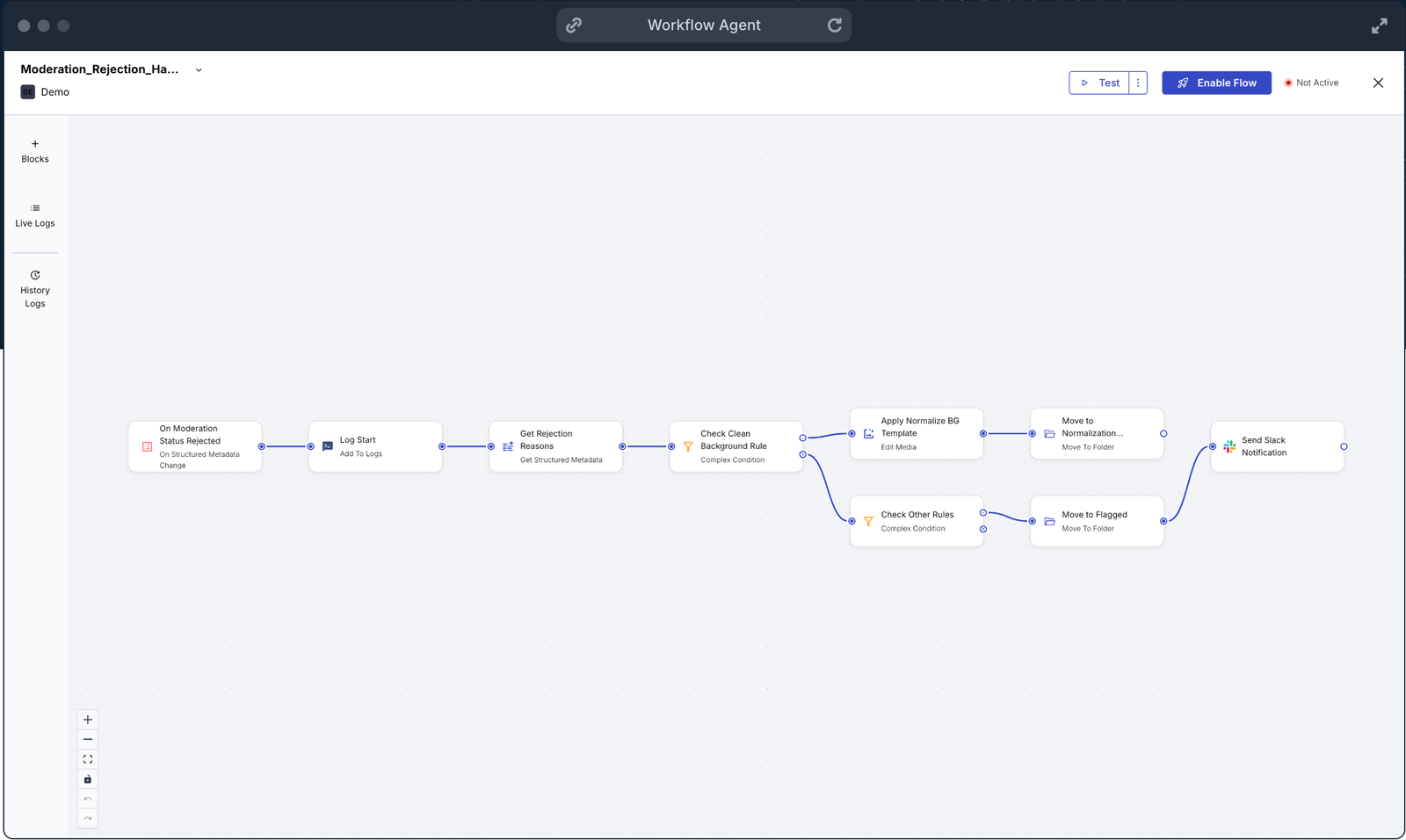
By the end of this guide, you’ll know how to:
- Create reusable approval flows with stage-based progression and role-specific reviewers.
- Submit assets into proofs for centralized review with inline annotations and version control.
- Configure permissions so external reviewers can collaborate without accessing your full media library.
- Automate asset preparation at upload with presets and metadata-triggered routing.
- Trigger post-approval actions (CMS publishing, social scheduling) through APIs and webhooks.
Cloudinary Creative Approval replaces scattered review processes with two core components: Approval Flows and Proofs.
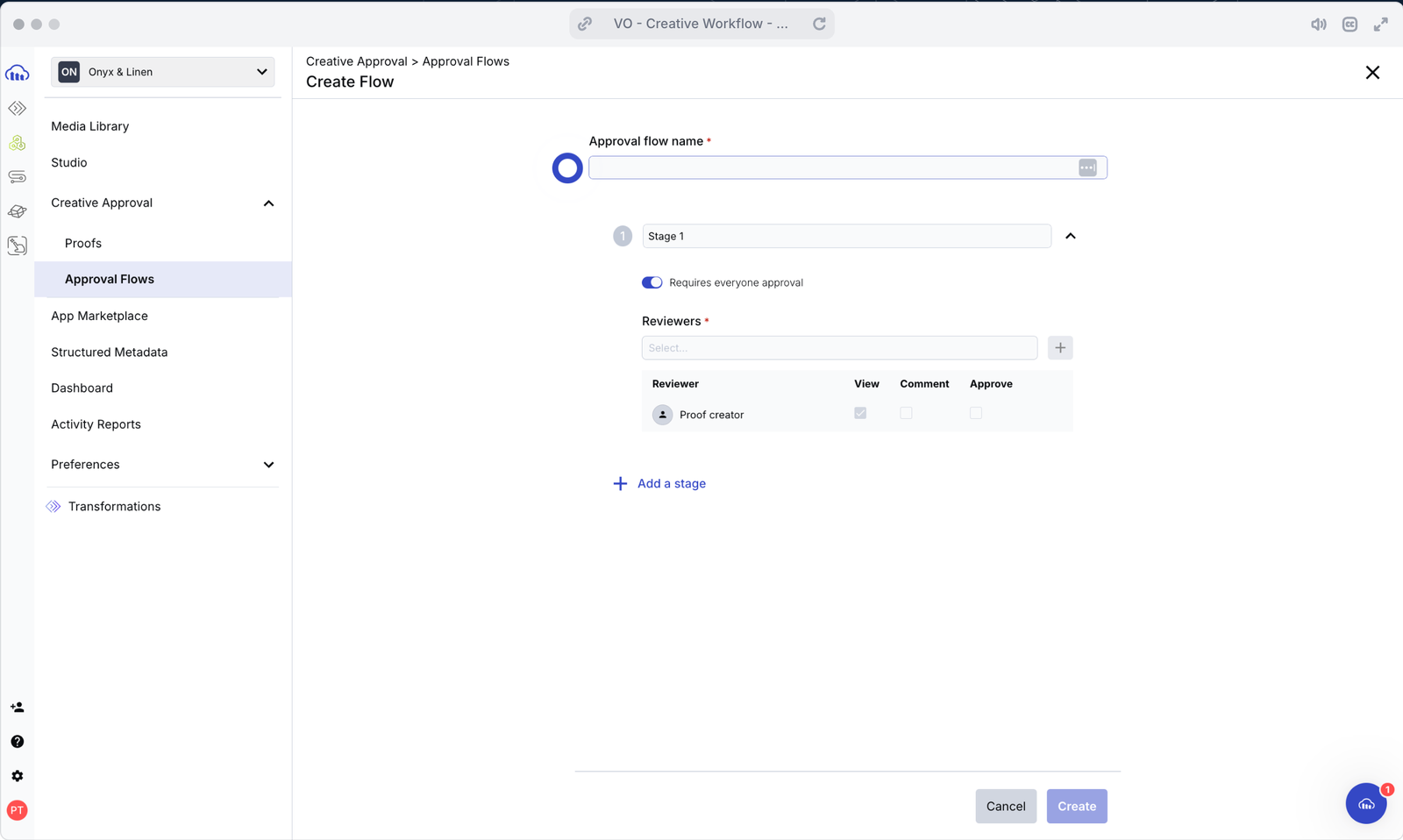
- Approval Flows: Define the review path. An Approval Flow is a reusable template that defines the mandatory sequence of review stages an asset must pass through. Administrators configure the flow once to match the publisher’s internal compliance and quality process. Every asset submitted to that flow follows the same path.
- Stage-based progression. Flows are divided into distinct stages like “Editorial Review,” “Legal/Compliance Check,” and “Final Sign-off.” An asset can’t advance to the next stage until the current stage’s requirements are met.
- Role-specific reviewers. At each stage, you assign specific reviewers or reviewer groups. Only assigned reviewers can approve or reject the asset at their stage.
- Configurable approval logic. You choose the level of sign-off required at each stage. Unanimous approval works for sensitive or regulated content where every reviewer must sign off. Single-approver approval works for high-volume or breaking news workflows where speed matters.
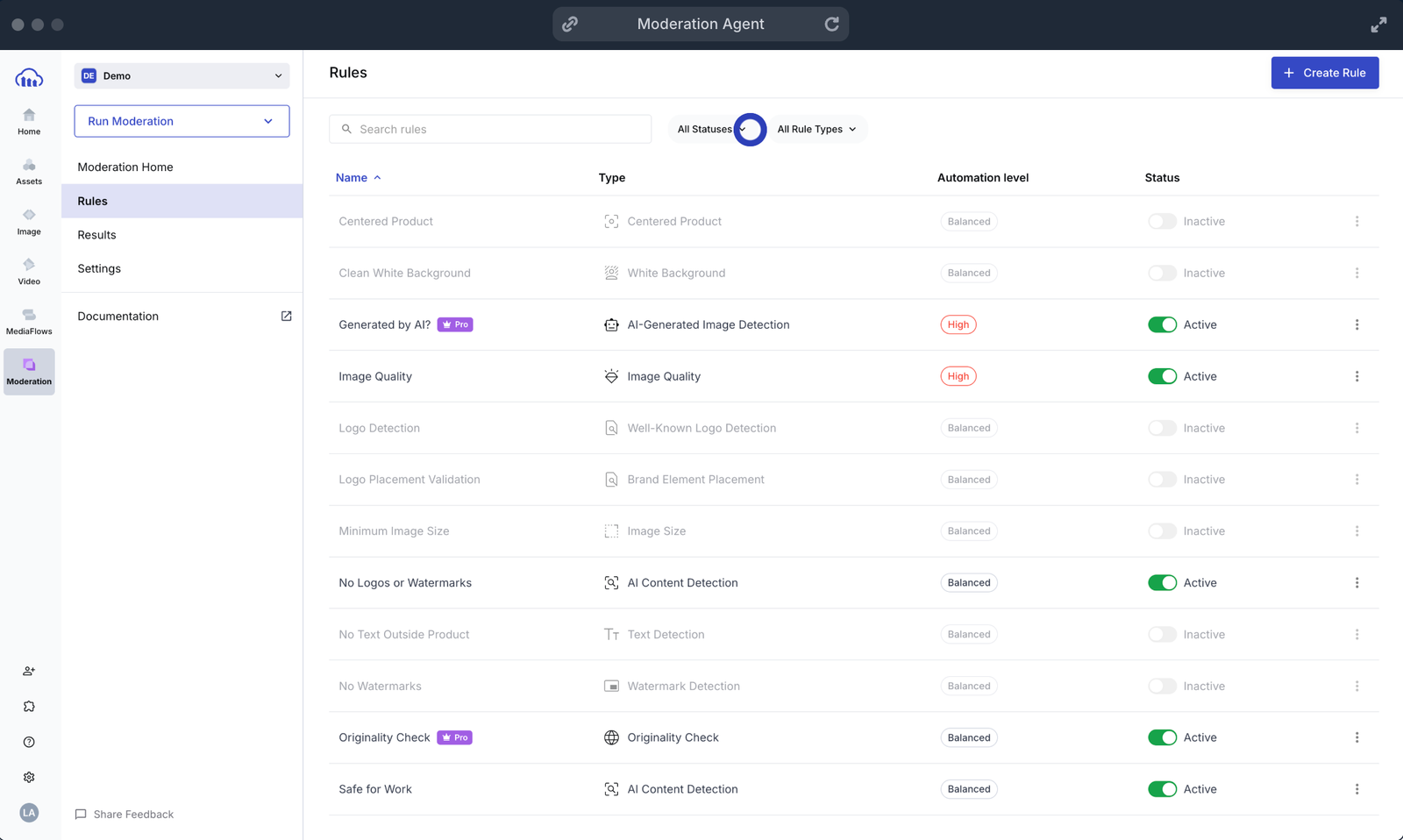
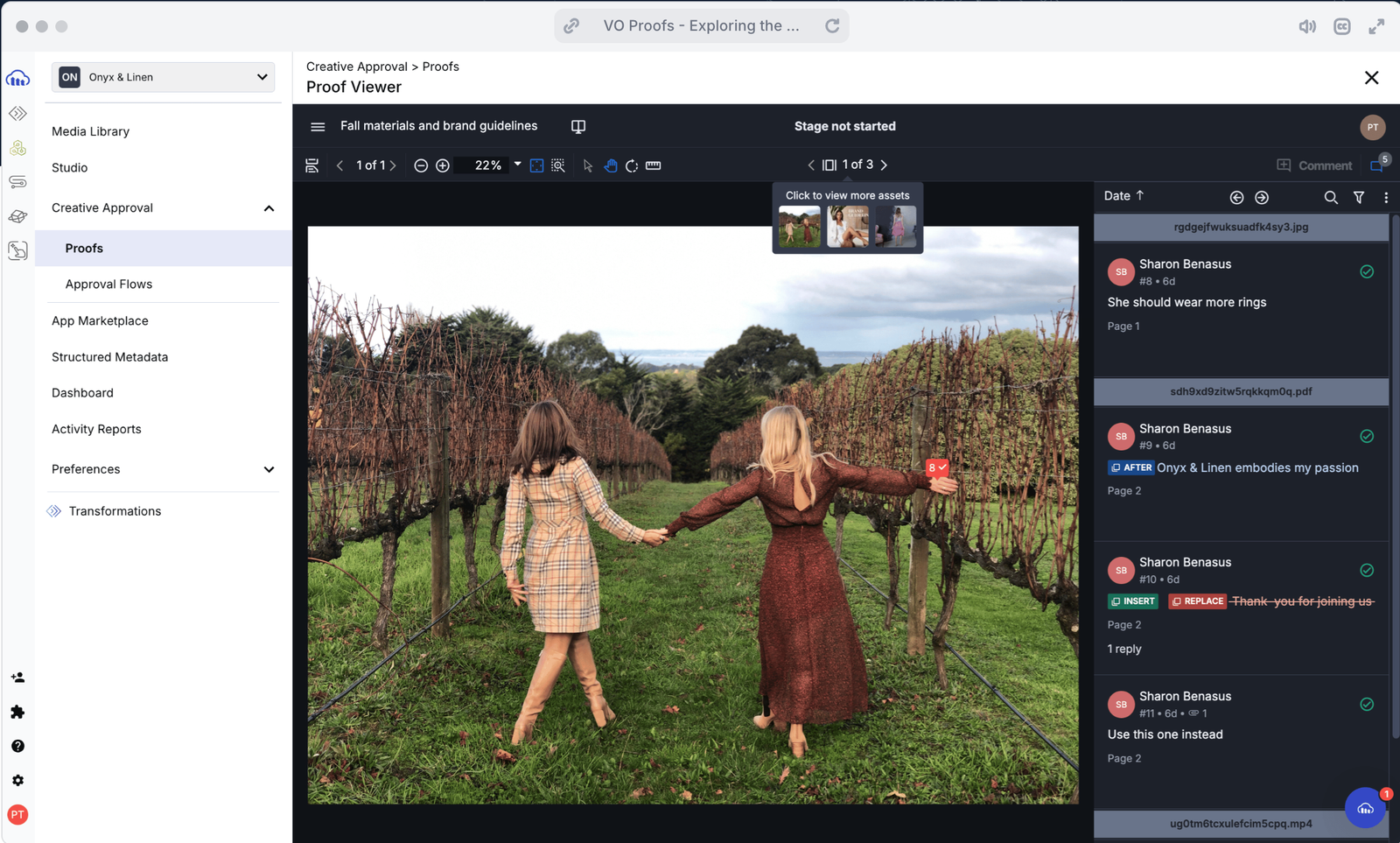
- Proofs: Centralize the review. A Proof is a package of one or more assets (images, videos, or documents) submitted into an Approval Flow. The proof becomes the single source of truth for that asset’s review cycle. All reviewers access a centralized Proof Viewer for collaboration:
- Inline annotations. Reviewers provide feedback directly on the asset using commenting and annotation tools. Feedback is precise and permanently attached to the asset’s record.
- Traceable decisions. Every action (a request for changes, a rejection, or an approval) is logged. This creates an audit trail that tracks the full history of decisions and versions for each asset.
- Version control. If an asset is rejected, the creator uploads a revised version. The entire discussion history is preserved and tied to the new iteration. No context is lost between versions.

A reliable approval process starts with clear roles and controlled access.
- Configure Roles and Flow Creation. Only administrators can create or edit approval flows. They define the stages, assign reviewers, and set the approval logic for each stage.
Team members with Media Library roles and appropriate permissions can start new proofs by selecting an existing flow. They need at least have “Can View” access for all assets included in the proof.
For details on configuring permissions, see the Media Library user permissions documentation.
- Secure Assets During Review. When collaborating with external reviewers (freelancers, agencies, legal partners), asset security is critical. Cloudinary protects your content during the review cycle in three ways.
- Controlled access. External reviewers receive unique email links to the proof. They can review and comment without having access to your Cloudinary account.
- Proof-only visibility. Reviewers see only the assets within the proof, not your broader media library.
- Signed URLs (optional). For sensitive material, you can restrict access to time-limited signed URLs. This prevents unauthorized sharing beyond the review window.
External feedback integrates directly into the proof’s timeline, creating a unified review record that includes both internal and external input.
The value of Creative Approval extends beyond the review itself. Cloudinary automates the processes before and after editorial sign-off so approved assets are ready for publishing immediately.
- Automate at ingestion. Manual preparation of assets for review is a time sink. Cloudinary standardizes assets the moment they enter the system.
- Upload presets. Presets apply consistent standards automatically at upload: initial branding, mandatory metadata fields, access controls, and folder routing. Every asset arrives in the approval pipeline in the same state, regardless of who uploaded it.
- Metadata-triggered routing. AI-based tagging and structured metadata can identify the type of content at upload (for example, “Sponsored Content,” “Breaking News,” or “Feature Photo”). That metadata determines which Approval Flow the asset enters, directing sensitive content through stricter review paths and routine content through faster ones.
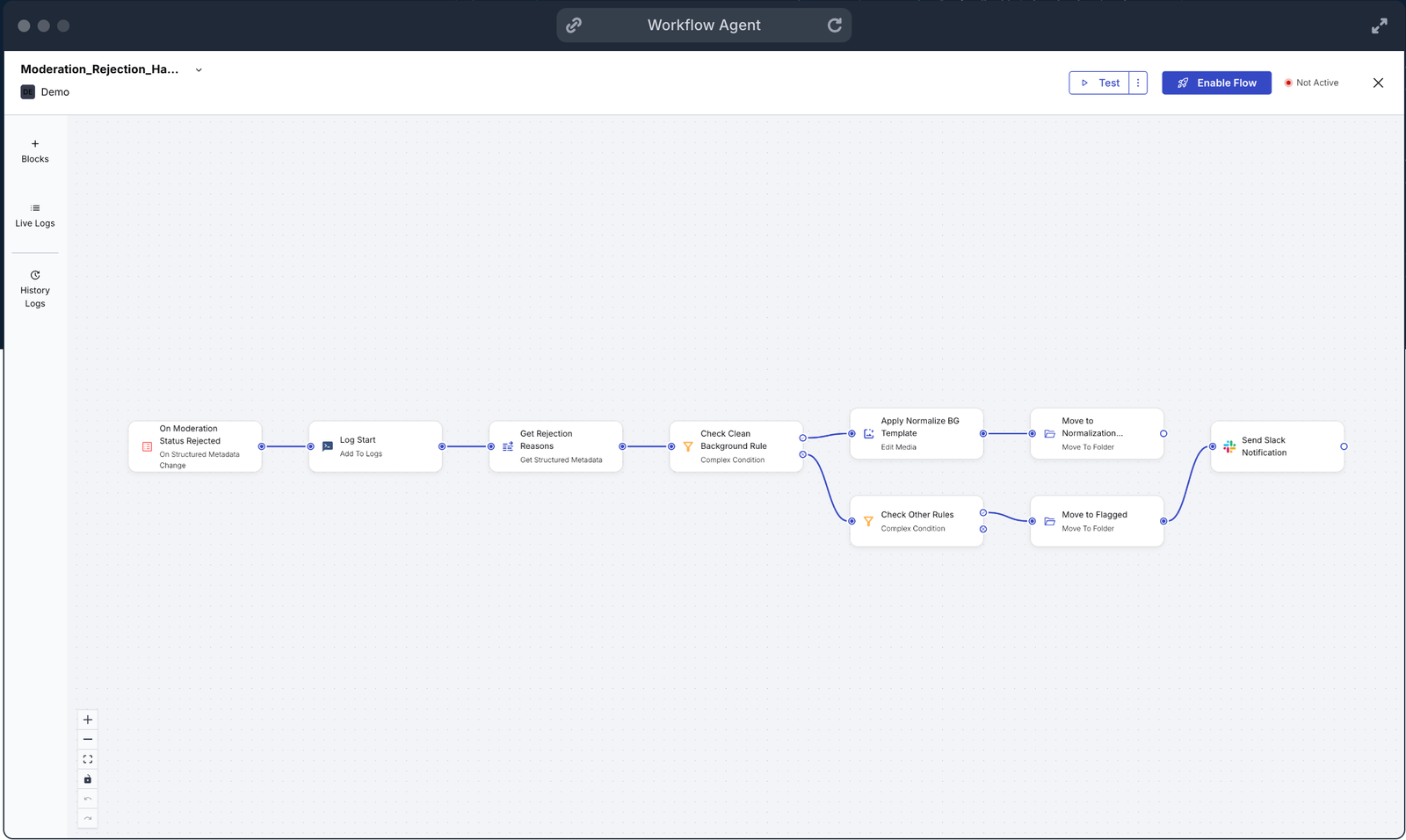
- Automate after approval. Final approval triggers distribution, not manual handoff.
- API-driven release. When a proof receives final approval, the asset’s status changes in the DAM. You can configure this status change to trigger actions in downstream systems through APIs or webhooks. For example, final approval can automatically push the optimized asset into your CMS or a social media scheduling tool.
- Dynamic delivery. The approved asset is delivered through a Cloudinary URL that handles all final transformations automatically: resizing for different layouts, cropping for social formats, and format optimization for each device and browser. No manual work required from your development or editorial teams.
To implement automated approval effectively, focus on these operational decisions.
- Segment your flows by content type. Create a streamlined flow for breaking news (single-approver at each stage for speed) and a rigorous flow for feature packages, branded content, or sponsored material (unanimous approval, additional legal stage).
- Align roles and permissions before launching. Make sure all reviewers have the correct Cloudinary roles and folder access before any proofs are initiated. Access issues cause delays that undermine the purpose of the workflow.
- Match approval rules to the stakes. Use unanimous approval for high-stakes stages like legal review. Use single-approver rules for operational stages where one editor’s sign-off is sufficient.
- Start with one flow and expand. Don’t try to build every possible workflow on day one. Set up your most common content type first, run it for a few weeks, gather feedback from reviewers, and then create additional flows for other content types.
Cloudinary Creative Approval gives publishers a structured, enforceable review system for images and videos. You define the stages, assign reviewers, set approval rules, and every asset follows the same path before it can go live. Automation at ingestion and after approval removes the manual handoff that slows publishing and introduces risk.
Here are a few ways to extend your setup:
- Connect to your CMS. Use webhooks to trigger automatic publishing in your CMS when an asset receives final approval. See the webhooks documentation for setup details.
- Add AI moderation. Combine Creative Approval with Cloudinary AI moderation add-ons to flag potentially problematic content before it reaches human reviewers.
- Build approval dashboards. Use the Cloudinary Admin API to query proof statuses and build internal dashboards that show pending reviews, bottlenecks, and approval velocity.
- Scale to video workflows. Apply the same approval flows to video assets. Reviewers can annotate specific timestamps in the Proof Viewer.
Contact Cloudinary to learn how Creative Approval can fit your publishing workflows, or sign up for a free Cloudinary account to try it yourself.
Resources:
- Creative Approval documentation
- Cloudinary DAM overview
- Media Library user permissions
- Webhooks and notifications
- Upload presets documentation
What is the technical difference between Cloudinary EasyFlows and PowerFlows, and why is the latter required for moderation?
How does the plain-language prompt scoring system in AI Vision Moderation work without training custom models?
The model evaluates the image against those prompts and returns a result for each rule. This enables teams to set up moderation logic without building or training their own machine learning models.
How can developers determine the moderation status of an image without using a database?
The gallery can then query the contents of those folders directly. This reduces database synchronization requirements and keeps the asset workflow lightweight.
Why does the standard resources_by_asset_folder endpoint sometimes throw a 404 error, and how do you resolve it?
resources_by_asset_folder endpoint has account configuration requirements and may not work as expected in environments that don’t support the required folder behavior. In those cases, the request can return a 404 error.
A more flexible approach is to use the Cloudinary Search API with an expression that queries assets by folder. This allows developers to retrieve folder assets through search expressions and can simplify troubleshooting across different account configurations.
How does the frontend handle image blurring for unapproved or pending assets?
Once the application receives confirmation that the asset has been approved, the UI can update and transition the image into sharp focus.


