
Creative and marketing teams rely on more applications than ever, but finding the right asset still often requires switching between tools, downloading and uploading files, and risking using outdated or off-brand assets.
Cloudinary’s latest prebuilt integrations powered by CI HUB remove that friction by enabling teams to search and embed brand approved assets directly inside their preferred tools. With creative, marketing, and content operations working from a single source of truth, teams can maintain brand consistency and compliance without slowing down workflows.
Instead of adapting processes to your digital asset management (DAM), Cloudinary’s DAM becomes part of the way your teams already work.
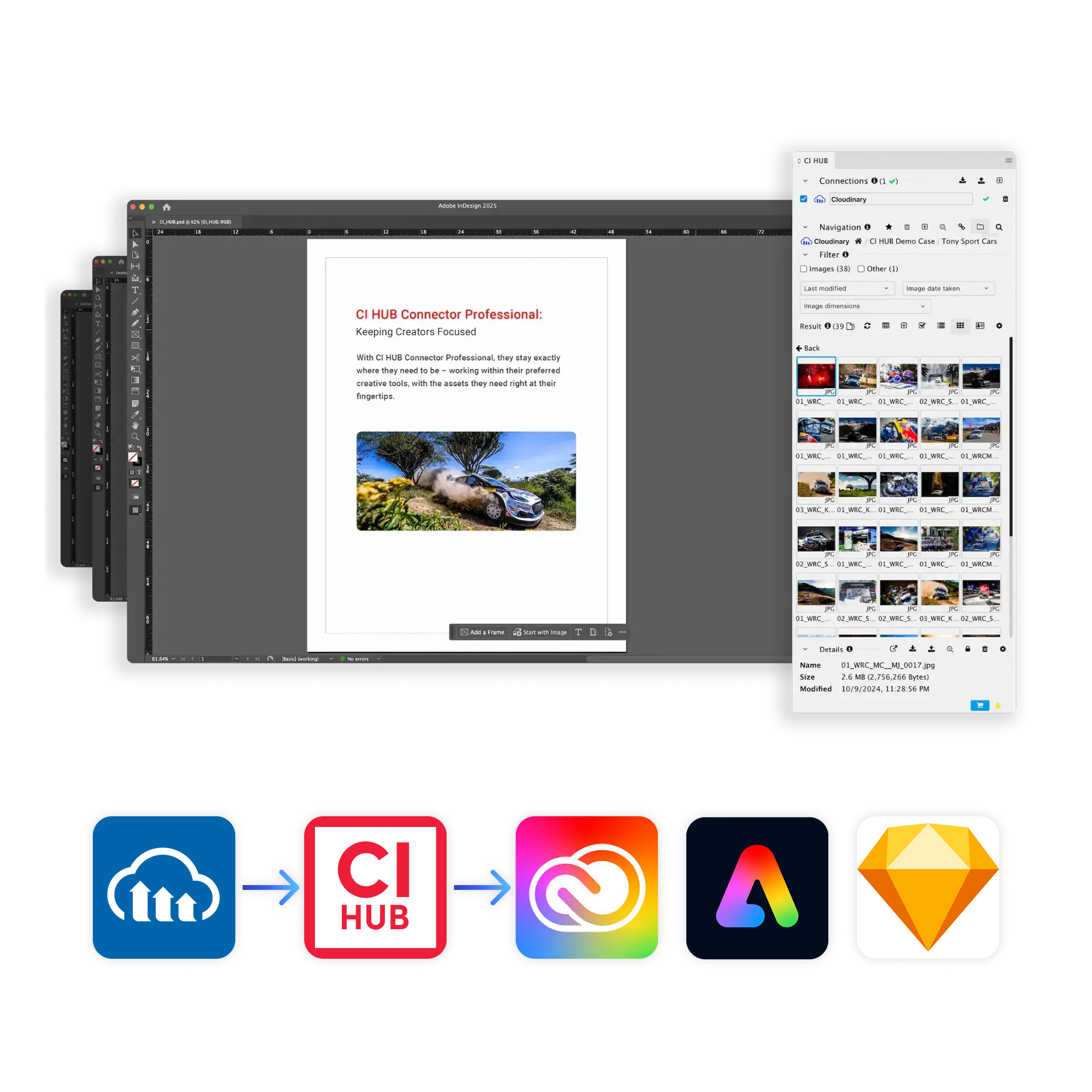
Cloudinary’s connectors for Adobe Creative Cloud, Adobe Express, Canva, and Sketch — all powered by CI HUB — bring brand-approved assets directly into the creative workspace. Designers, marketers, and editors can move from idea to publish-ready content without leaving the tools they use every day.
By keeping Cloudinary as the single source of truth for images, videos, and campaign visuals, teams spend less time searching, downloading, and re-uploading files and more time shipping work. With this new CI HUB integration, teams get:
- Fast access to approved assets directly inside Adobe Express, Canva, Photoshop, Illustrator, InDesign, and more — no app switching or manual file handling.
- Built-in brand consistency, with teams always designing from the latest approved Cloudinary library instead of local or outdated files.
- Streamlined workflows across creative, marketing, and editorial teams, reducing back-and-forth and speeding up campaign launches.
- Connectors that fit into existing projects and timelines so users can focus on designing rather than searching for assets.
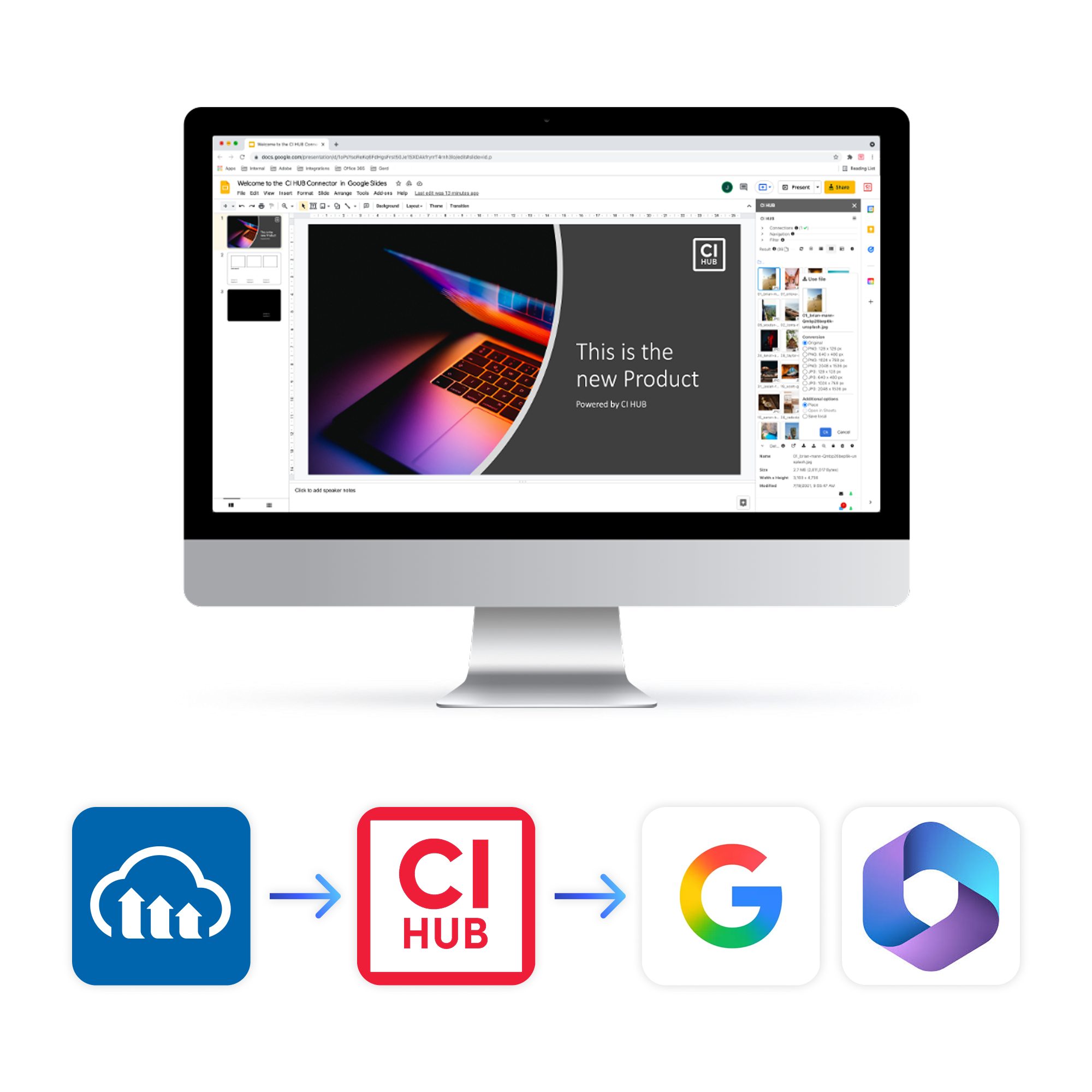
Cloudinary connectors for Google Workspace and Microsoft 365, powered by CI HUB, ensure marketing briefs, decks, and campaign documents reference the right visuals from the start.
Instead of hunting through shared drives or switching to a separate DAM interface, teams can insert current, approved visuals right where they work, which reduces manual asset handling, unlocks smoother collaboration, and turns content from draft to done in fewer steps.
- Content starts on brand with approved visuals available inside Docs, Sheets, Slides, Word, Excel, and PowerPoint.
- Teams stay in the tools they already use, accessing Cloudinary libraries without context-switching to another system.
- Consistent branding across every shared document, deck, and email because assets always come from the same approved Cloudinary source.
- Faster collaboration with less manual asset work, as everyone can search, place, and reuse Cloudinary content from a single, shared library.
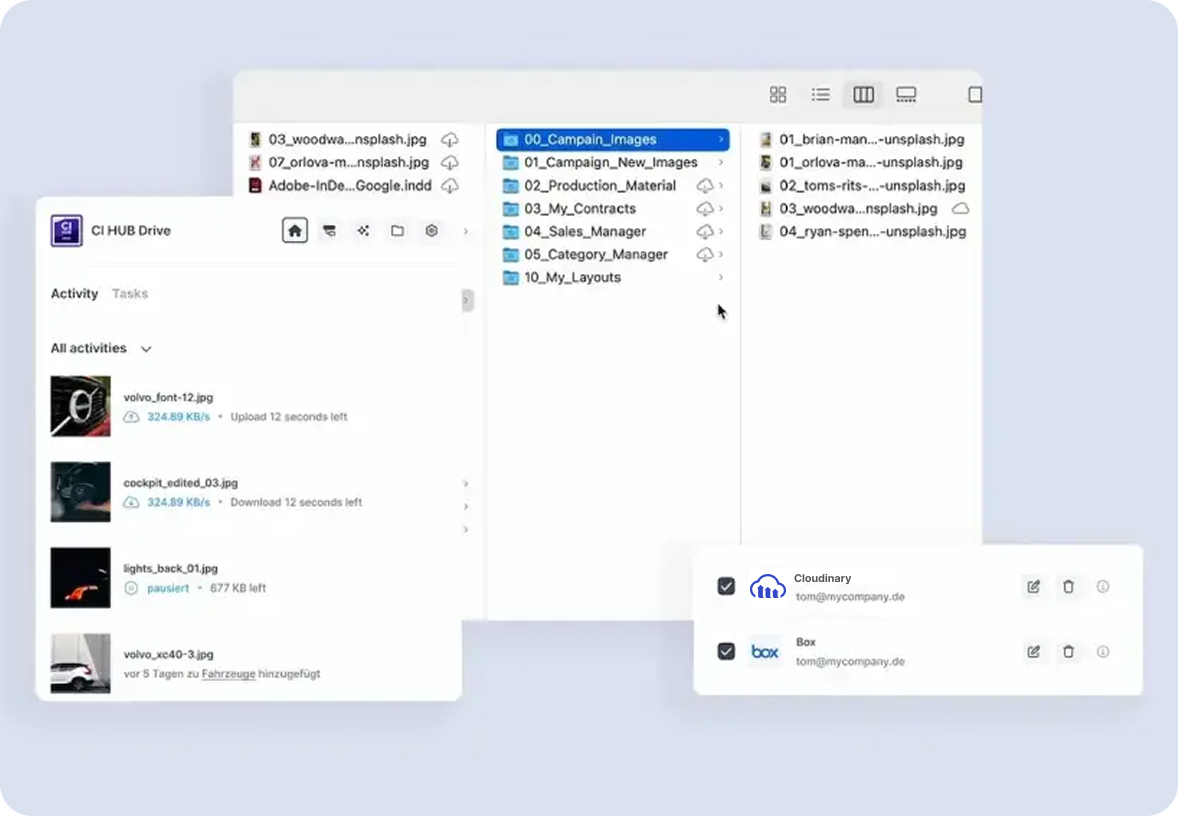
Cloudinary integrations with Windows File Explorer and macOS Finder, powered by CI HUB, ensures the entire organization works from the same approved library wherever they open files.
Not every workflow begins inside a creative application. Many people start by browsing folders, organizing files, or searching their desktop for the content they need.
By bringing Cloudinary into Windows File Explorer and macOS Finder, approved assets become available wherever work begins, while Cloudinary continues to manage versions, approvals, and governance behind the scenes.
Whether you’re part of a creative team, marketing department, or another business function, everyone benefits from working with the same approved asset library across desktop and cloud environments.
Organizations invest significant time and resources creating high-quality visual content, but those assets often go unused because they’re difficult to find or disconnected from everyday workflows.
Making Cloudinary assets available inside the tools people already use changes that. When approved content is only a search away, teams naturally reuse existing assets instead of recreating them or saving duplicate copies across different systems.
That means less redundant production, more consistent output, and greater value from the content your organization has already invested in creating. Instead of spending time searching for assets or rebuilding existing work, teams can focus on delivering their next campaign faster.
The best digital asset management system isn’t another destination your teams have to visit — it’s one that’s available wherever they already work.
By making Cloudinary Assets part of existing workflows, teams can work faster, maintain brand consistency, encourage asset reuse, and get more value from every image and video in their library.
Explore the latest Cloudinary connectors and many more by visiting the Cloudinary Integrations Directory or book a demo to see them in action.
Do I need CI Hub to use these new Cloudinary integrations?
Yes. These integrations are powered by CI Hub, which provides the in-app connector layer between Cloudinary and tools like Adobe Creative Cloud, Canva, Google Workspace, and Microsoft 365.Which applications can I access Cloudinary assets from with these connectors?
You can access approved Cloudinary assets from tools such as Adobe Photoshop, Illustrator, InDesign, Adobe Express, Canva, Sketch, Google Docs, Sheets, Slides, Microsoft Word, Excel, PowerPoint, Windows File Explorer, and macOS Finder.Are these connectors only for assets inside Cloudinary?
Yes. In this setup, the connectors surface assets from your Cloudinary DAM library directly inside supported applications, so your teams work from one approved, governed source of images and video.How do these integrations help with brand governance?
Because teams insert visuals directly from Cloudinary, every image or video comes from the same approved library, with Cloudinary continuing to manage versions, approvals, and usage behind the scenes.How can I get started with the new integrations?
You can explore the latest connectors on the Cloudinary Integrations page and work with your Cloudinary admin to get started.

