RESOURCES / BLOG
Blog - Page: 12
Get the latest news on the Cloudinary platform, solutions, and showcases.
Employee Spotlight: Zuzana Samaj on Her Career Path and Her Support of Women in Tech
When Zuzana Samaj left Slovakia for London more than a decade ago, she didn’t expect that a chance message from a recruiter would lead her to Cloudinary, or that she’d one day help launch new products as Director of Emerging Business. With a background in computer science and a passion…

Read More ->
3 Million Developers. Thank You for Building With Us.
As of today, 3 million developers build with Cloudinary. Three million developers is more than just an expressed quantity. It’s a manifestation of your trust in our product. It represents the application of the constructive feedback you’ve shared. It is the embodiment of the community we’re building together. Cloudinary’s path…

Read More ->
From Repository to Control Center: How DAM and AI Are Transforming Video Workflows
Video is no longer just another asset type in the content marketing machine. Today, it’s the heartbeat of brand communication. According to a Cloudinary Video Survey, 54% of brands view video as key for driving conversions, 65% see it as critical for market awareness, and 78% rely on it…

Read More ->
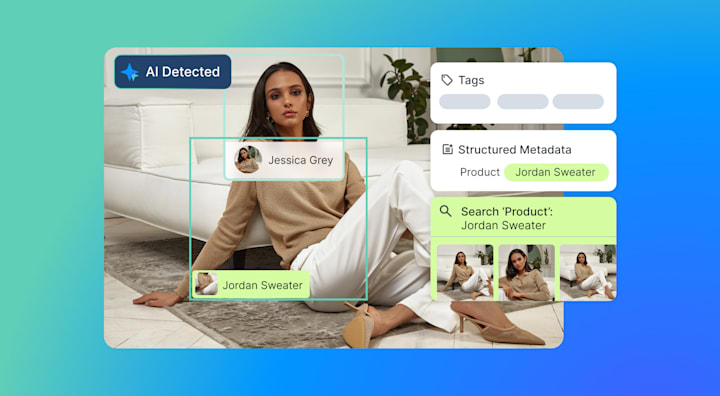
Cloudinary Expands AI-Powered DAM to Streamline Enterprise Visual Workflows
Businesses of all sizes are feeling the pressure to manage the rapid growth of digital media across teams, regions, and platforms. This is especially acute at the enterprise level. The pressure isn’t just on creating more, it’s on managing more, faster, across teams and geographies. For enterprise buyers, the question…
Read More ->
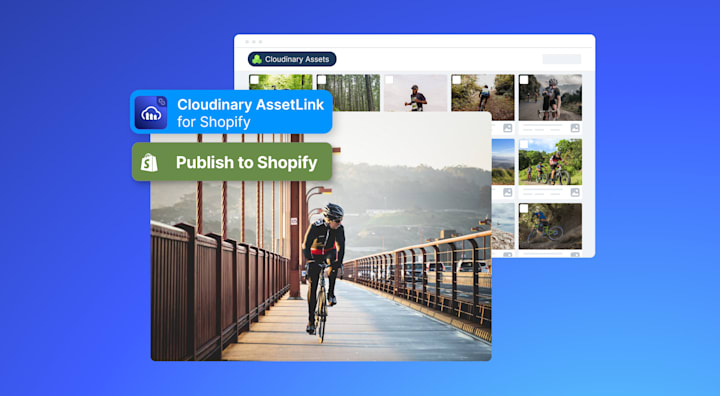
Growing Shopify Customers Are Rethinking Visual Media With Cloudinary
Shopify’s story is one of rapid, remarkable expansion. What began as a platform for entrepreneurs has become the go-to cloud-based e-commerce platform for mid-market and enterprise retailers. Today, Shopify powers millions of stores worldwide, driving hundreds of billions of dollars in gross merchandise volume annually and commands 10% of…
Read More ->
How to Create an Image Text Overlay Generator With Cloudinary and React
Want to ship a quick banner maker without wrangling a custom canvas stack? In this post, you’ll build a React-based image text overlay generator powered by Cloudinary. Users will upload an image straight to Cloudinary, then layer editable text, adjust its reposition, resize, tweak styling, and see instant previews driven…

Read More ->
Bridging Automation and Creative Control: Introducing Refiners and the New Editor Experience
Cloudinary Image has long empowered developers to move faster and build smarter, with powerful APIs that automate image transformation, optimization, and delivery at scale. But as generative AI and creative automation become part of everyday workflows, speed alone isn’t enough. Automation can get you 90% of the way, but the…

Read More ->
Scaling Brand-Quality Images in the Age of GenAI
Generative AI is now part of most digital content workflows. It can speed up production dramatically, but it doesn’t solve every problem. AI outputs often need extra polish before they’re ready for production: a background swapped, a crop refined, or a blurry detail sharpened. Without those fixes, brands risk shipping…

Read More ->
How to Transform Live Stream Recordings Into Polished VODs Using Cloudinary
In a previous post, we covered how we can record and upload live streams to our Cloudinary Media Library. Once your recordings are in the library, Cloudinary provides powerful tools that make organizing, editing, and distributing your content much easier. What steps can we take if we want to optimize…

Read More ->
Start Using Cloudinary
Sign up for our free plan and start creating stunning visual experiences in minutes.
Sign Up for Free