 Ask AI
Image effects and enhancements
Last updated: Jul-22-2026
Cloudinary's visual effects and enhancements are a great way to easily change the way your images look within your site or application. For example, you can change the shape of your images, blur and pixelate them, apply quality improvements, make color adjustments, change the look and feel with fun effects, apply filters, and much more. You can also apply multiple effects to an image by applying each effect as a separate chained transformation.
This guide is divided into separate topics for image enhancement, color effects, artistic effects, and reshaping and distorting images.
Besides the examples on this page, there are many more effects available and you can find a full list of them, including examples, by checking out our URL transformation reference.
Here are some popular options for using effects and artistic enhancements. Click each image to see the URL parameters applied in each case:
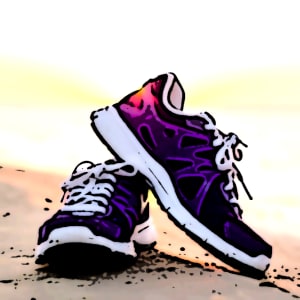 Cartoonify
 your images
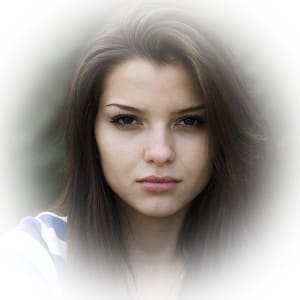 Add a vignette to
your images
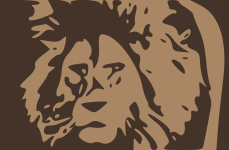 Generate low quality
image placeholders
 Add image
 outlines
Image enhancement
Enhance image quality using automatic, AI-powered enhancement, or apply targeted restore, upscale, enhance, and improve effects.


Learn more: Image enhancement
Color effects
Apply 3D LUTs, set background colors, support color blind accessibility, replace colors, tint images, and theme screen captures.


Learn more: Color effects
Artistic effects
Apply artistic filters, cartoonify, opacity, pixelate, sepia, outlines, shadows, and vectorization.

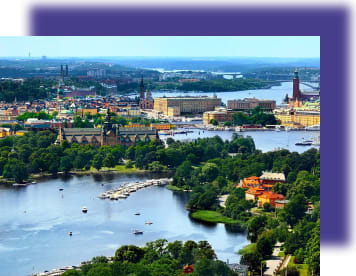
Learn more: Artistic effects
Reshaping and distorting images
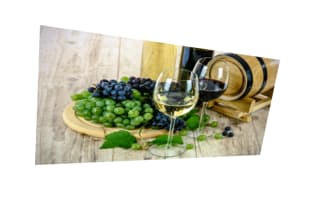
Reshape and distort images using displacement maps, distortion, rotation, rounding, shape cutouts, and zoompan motion.

Learn more: Reshaping and distorting images
Generative AI effects
Cloudinary has a number of transformations that make use of generative AI:
- Generative background replace: Generate an alternative background for your images
- Generative fill: Naturally extend your images to fit new dimensions
- Generative recolor: Recolor aspects of your images
- Generative remove: Seamlessly remove parts of your images
- Generative replace: Replace items in your images
- Generative restore: Revitalize degraded images
You can use natural language in most of these transformations as prompts to guide the generation process.
/docs/woman-in-shirt.jpg "Recolor the shorts") Recolor the
Recolor the shorts
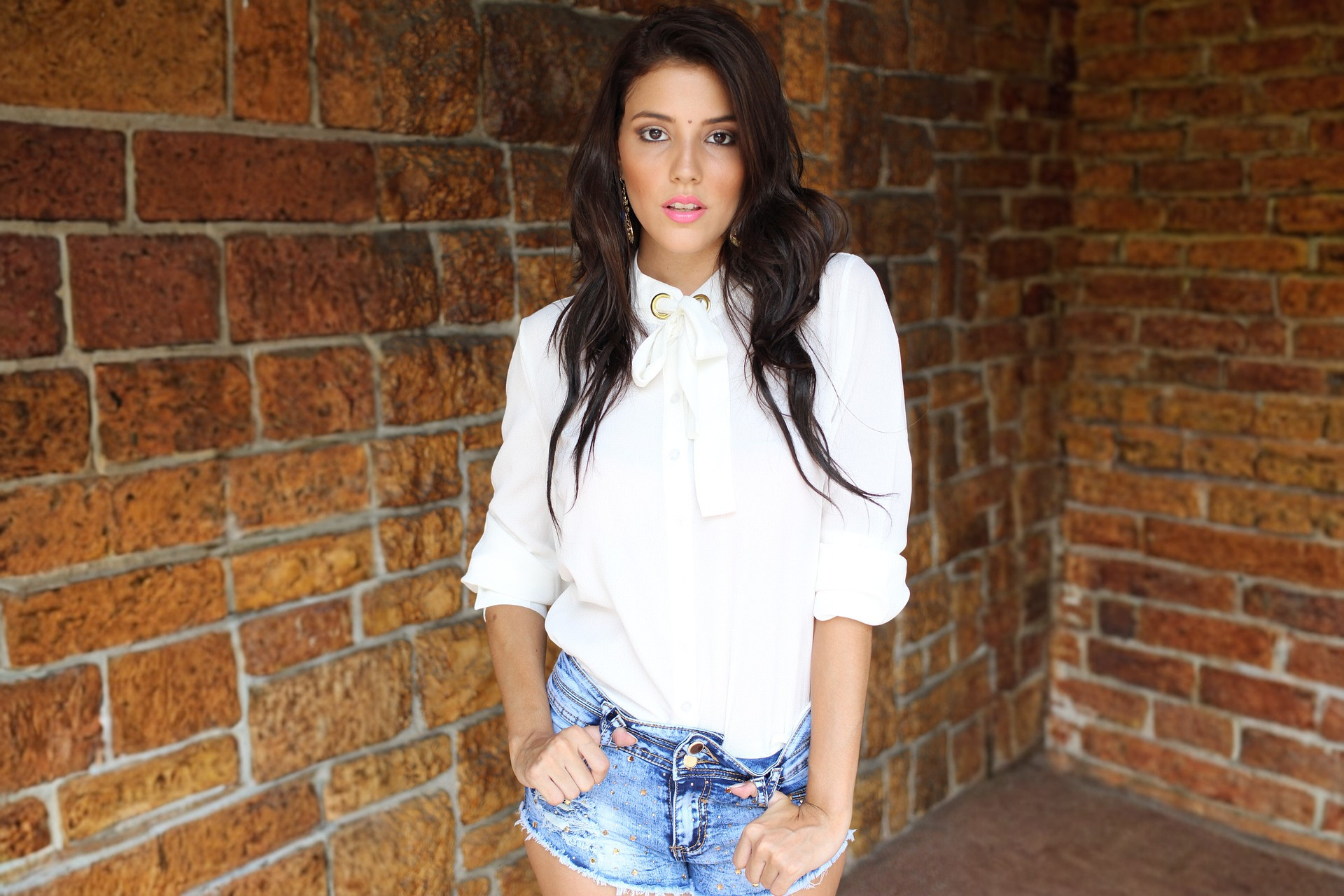 Extend the
image
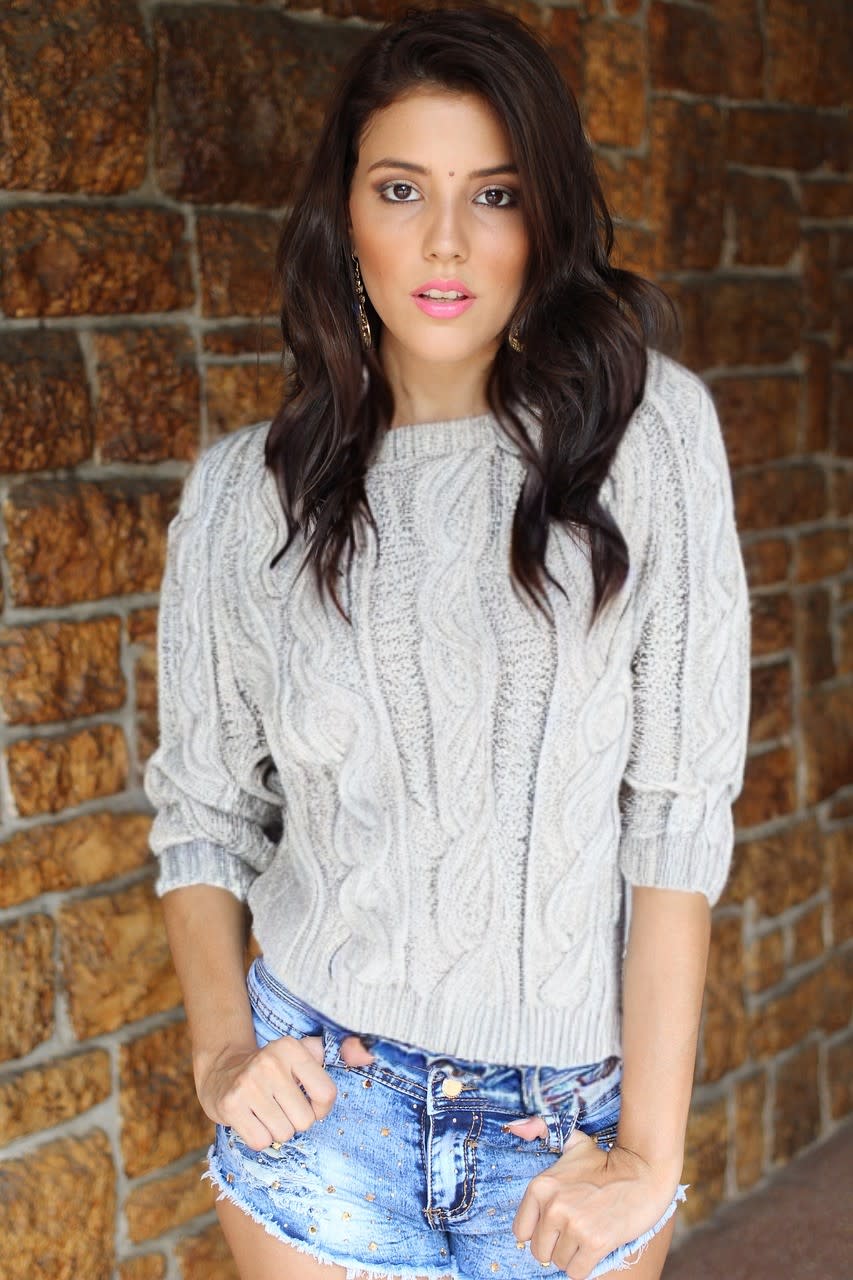 Replace the
 shirt
Learn more: Generative AI transformations
Error
Rate this page:
